Bubble / Throw-up
Bold outlines, bright color, flowing drips.
Choose your language
Create graffiti for your name, nickname or favorite words. Choose a style, customize the colors and download your artwork with our free graffiti generator.
The latest 12 designs stay in this browser only. Clearing browser storage removes them; copy a link to keep a design elsewhere.
Generate or save an artwork to see it here.
Combine fills, outlines, 3D depth, highlights and paint drips. Adjust each effect in the editor.
Move, rotate, scale and recolor individual letters. Undo or redo your changes.
Choose a wall background or transparency, then download PNG up to 4096px or vector SVG.
Every example below was rendered by the same deterministic engine you are using above — no AI, no stock art, exact spelling.
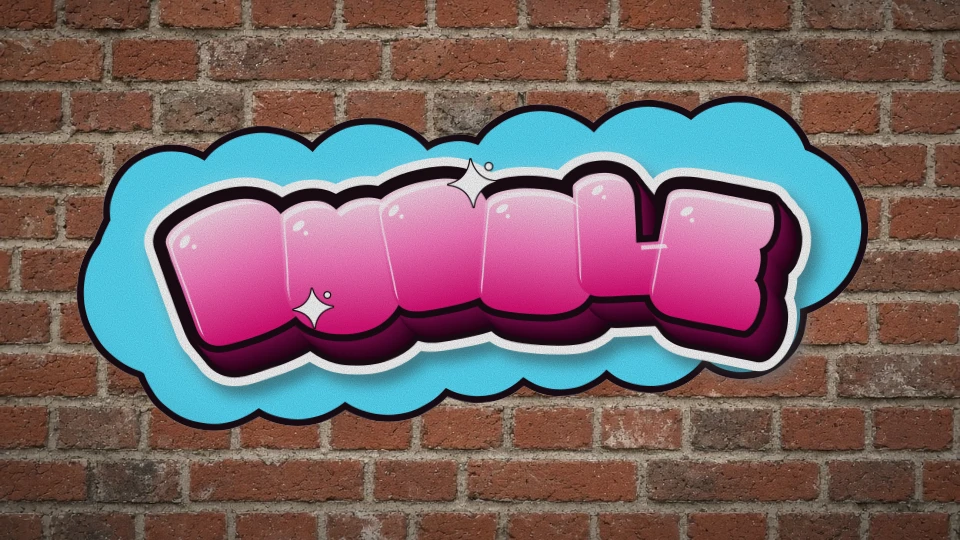
Fat, glossy, overlapping bubbles with a cloud backdrop.
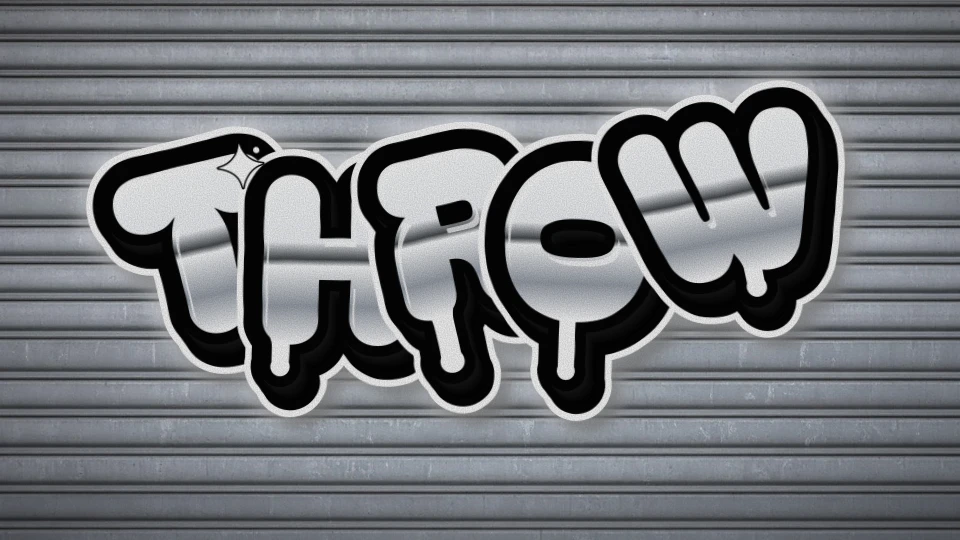
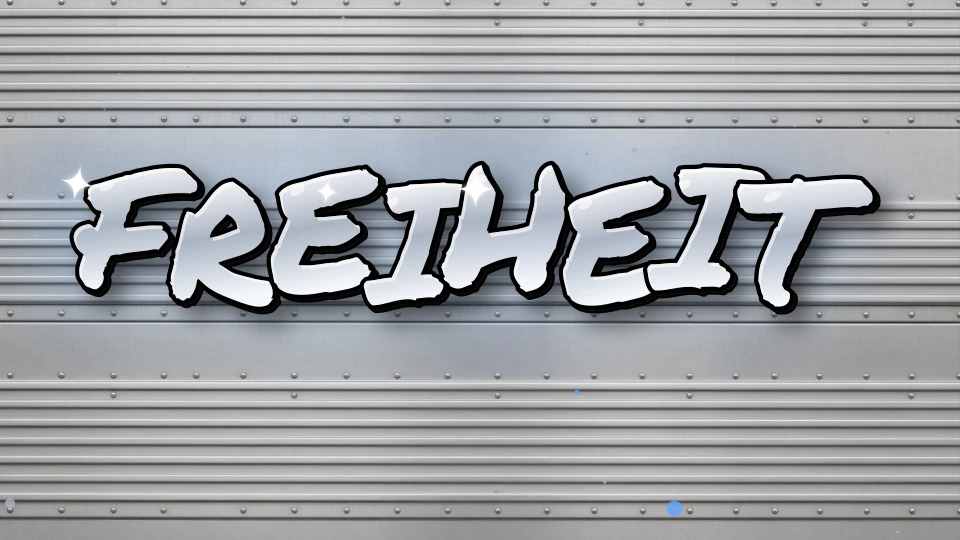
Fast silver fill, heavy black line — the classic throwie.
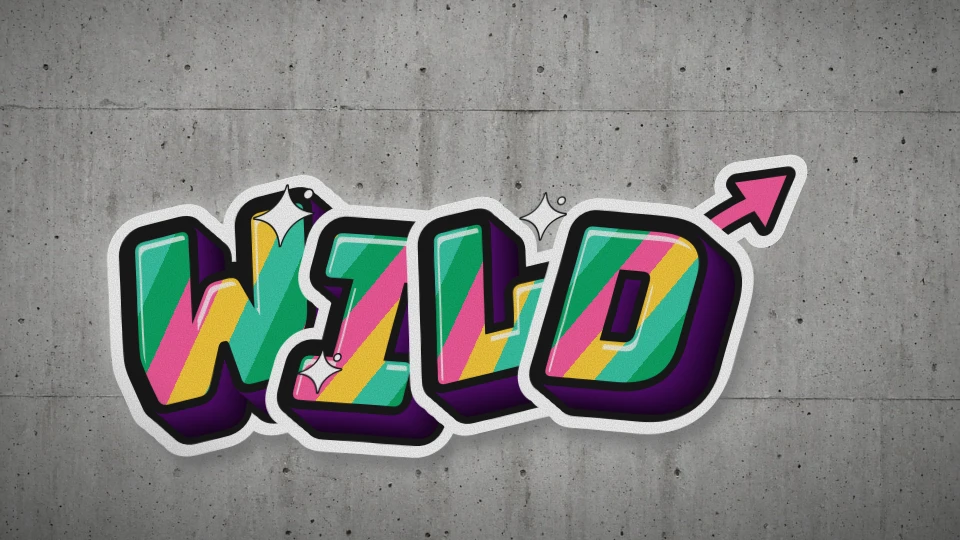
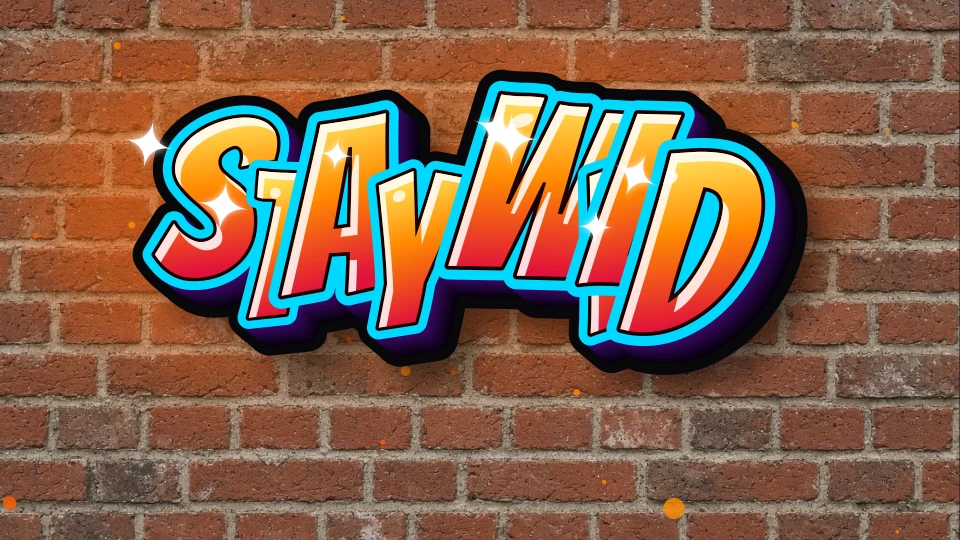
Sharp, interlocking, skewed letters with split fills and arrows.
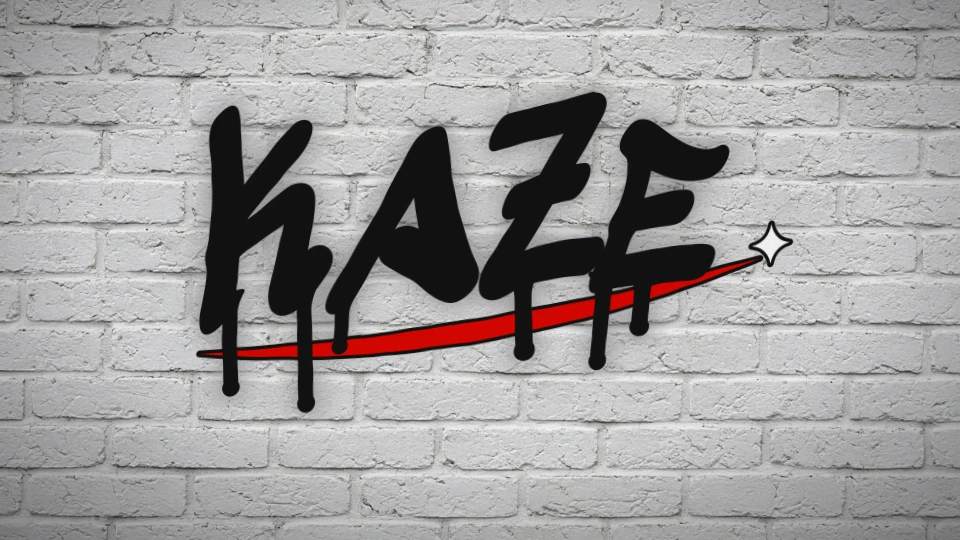
A quick marker tag with drips and a swoosh underline.
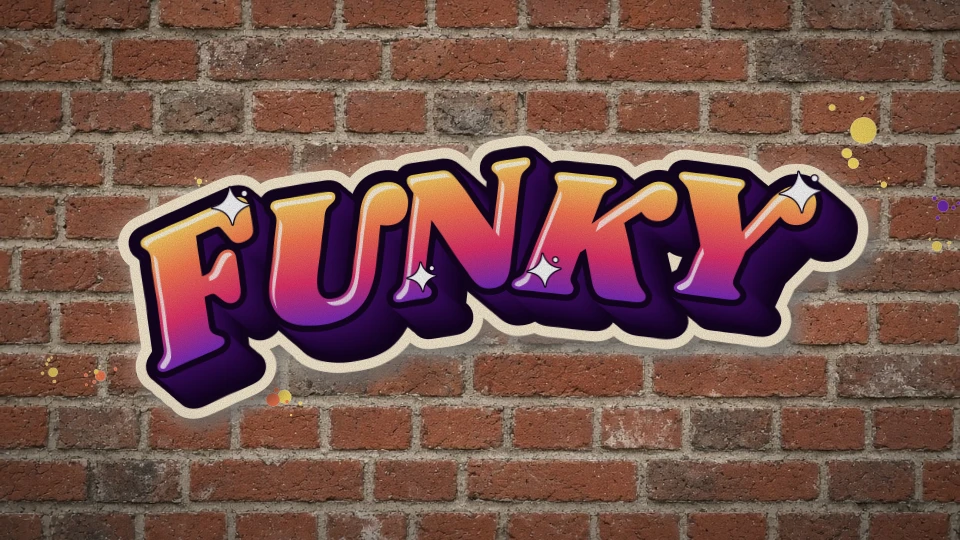
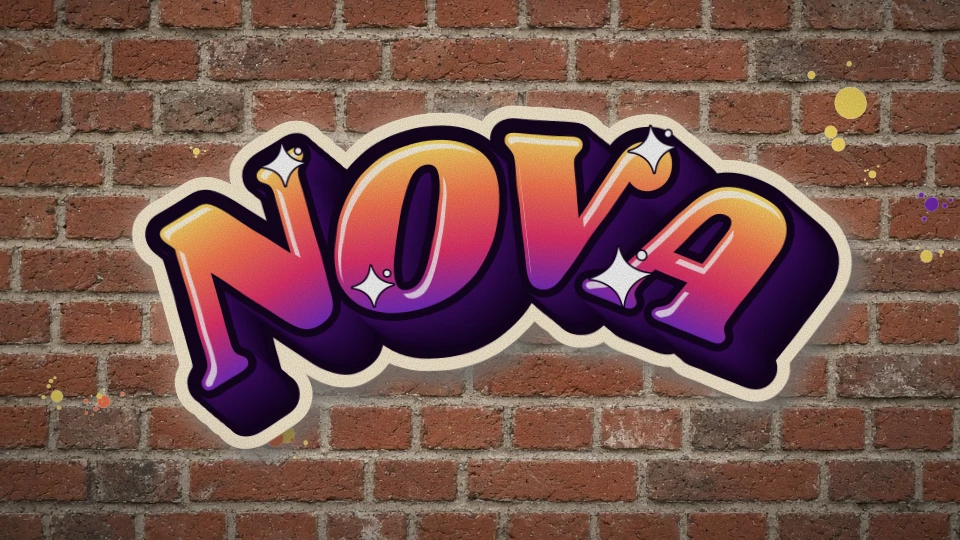
70s-inspired italic piece with a sunset fade and sparkles.
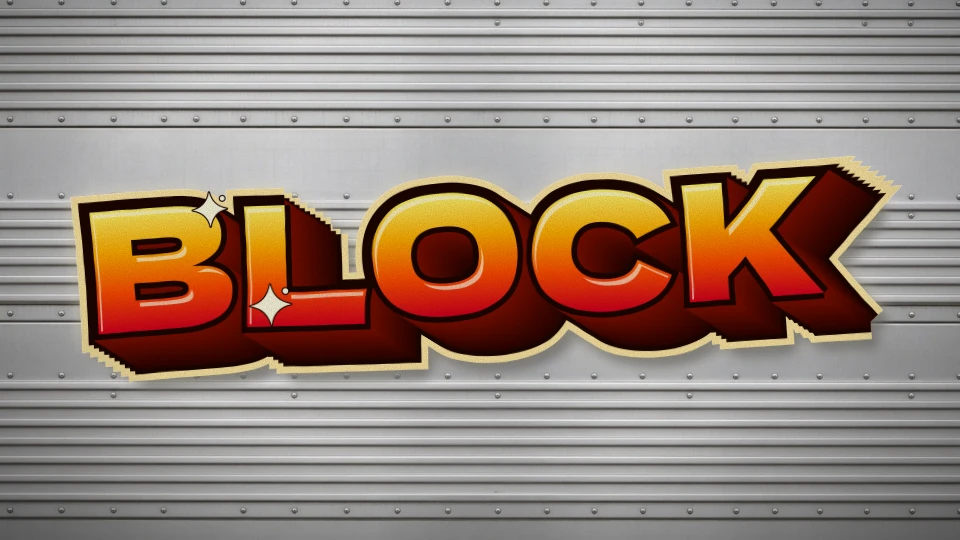
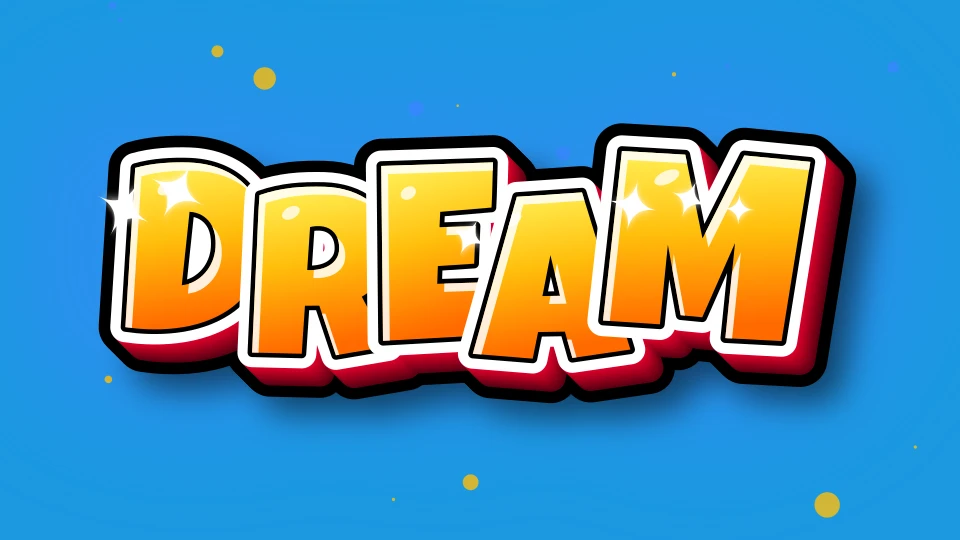
Huge block letters with deep shaded 3D.
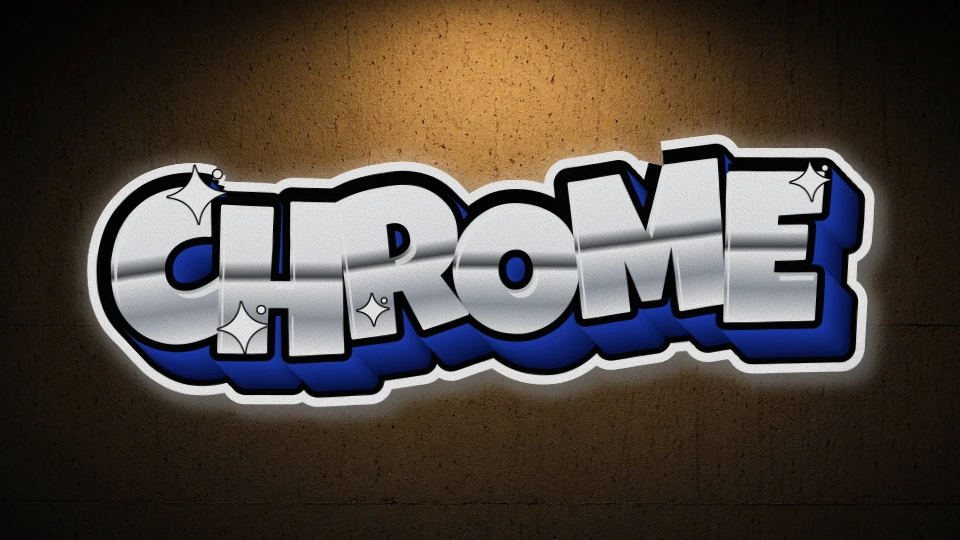
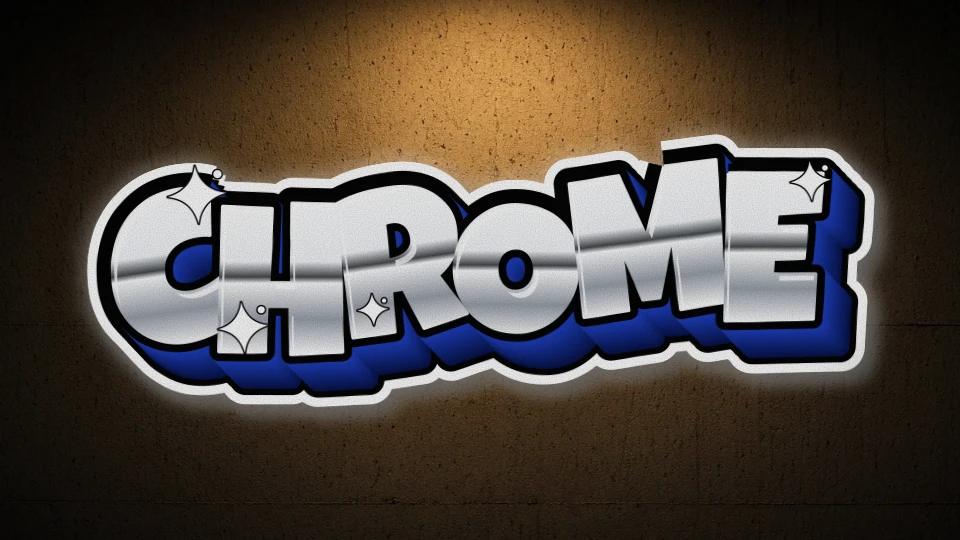
Mirror chrome with a deep blue 3D block.
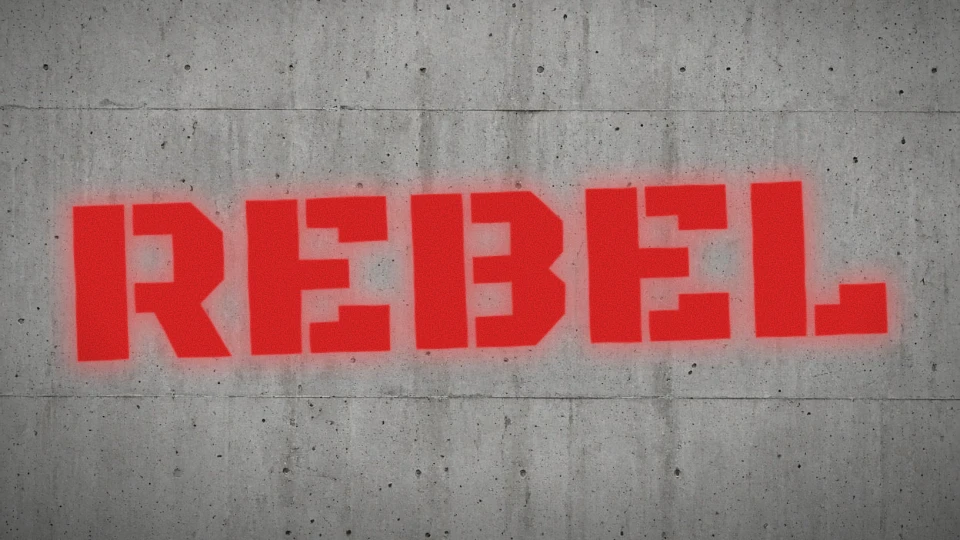
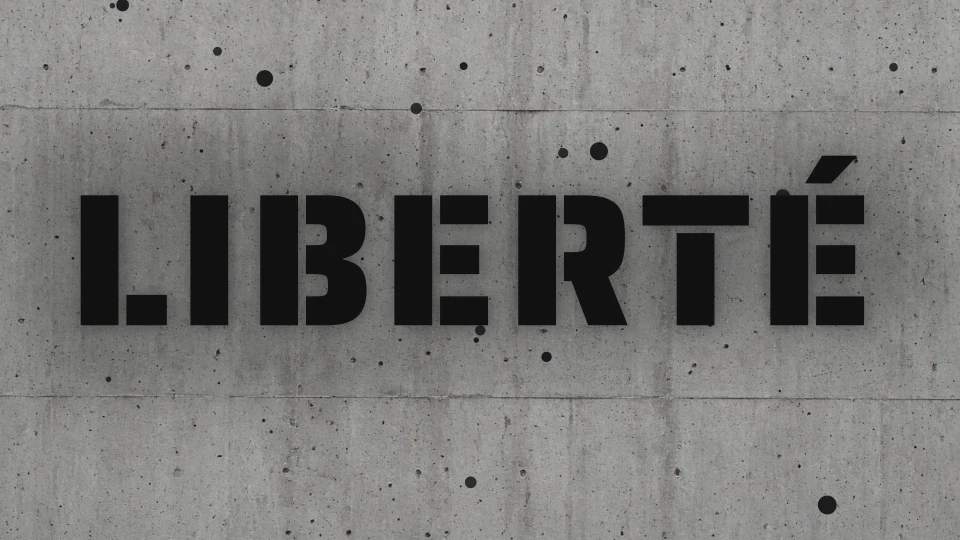
One-colour stencil with soft overspray edges.
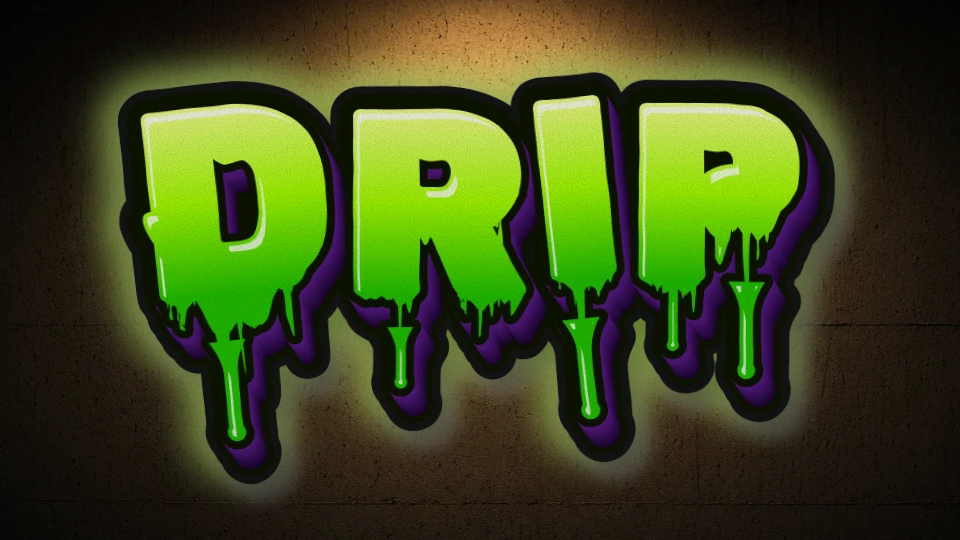
Wet paint letters dripping acid green.
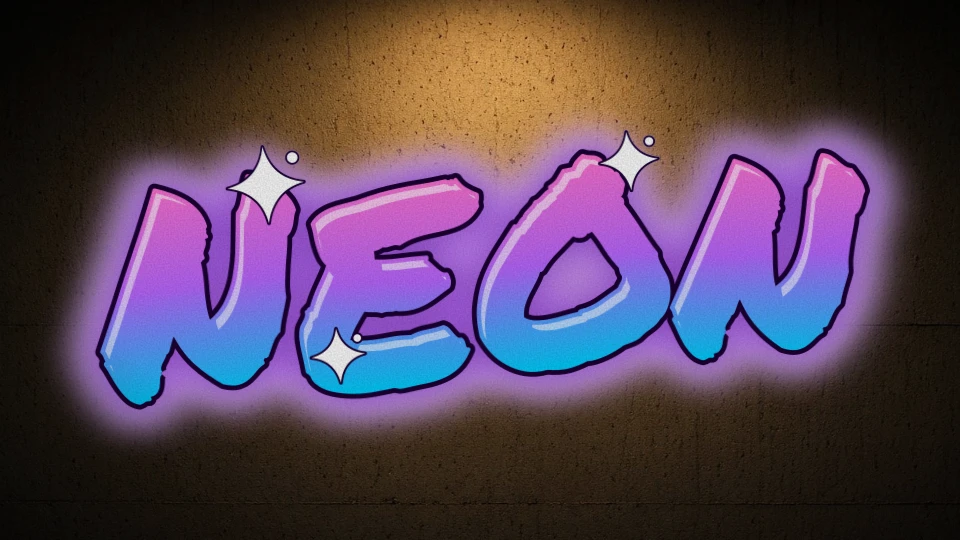
Marker strokes that glow like neon tubes.
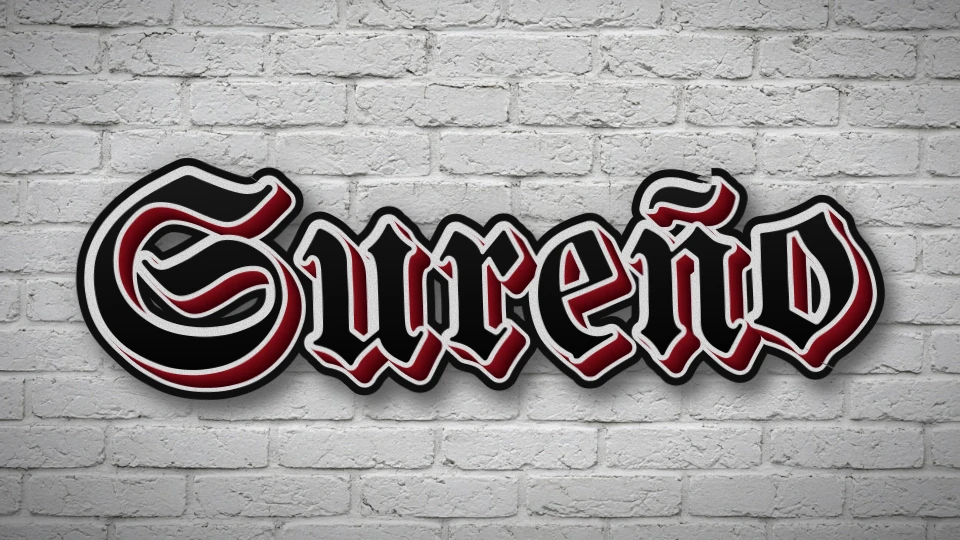
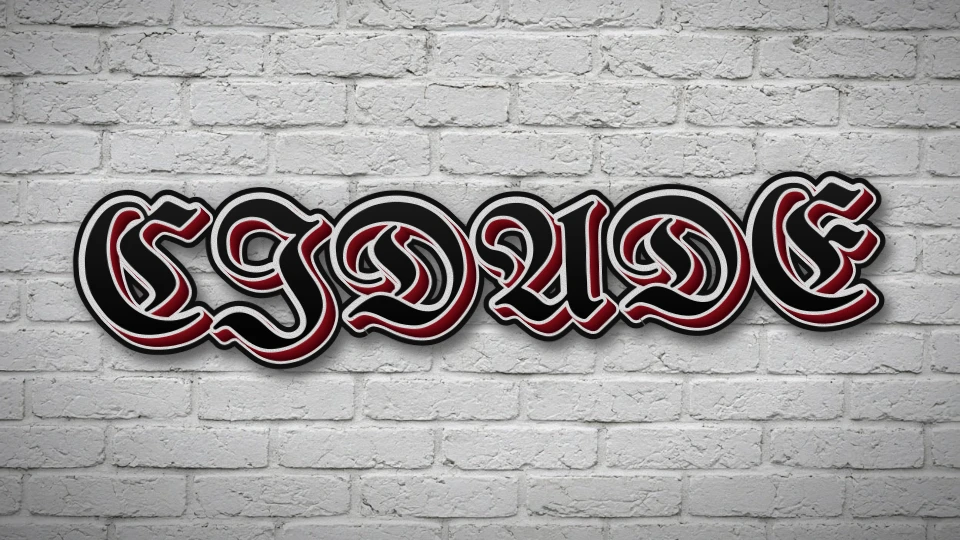
Cholo-style blackletter with a red drop.
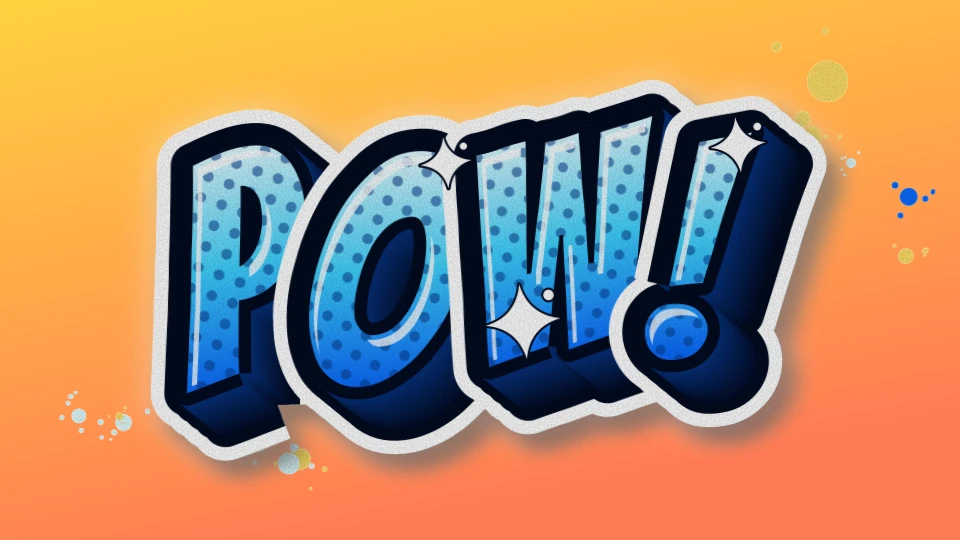
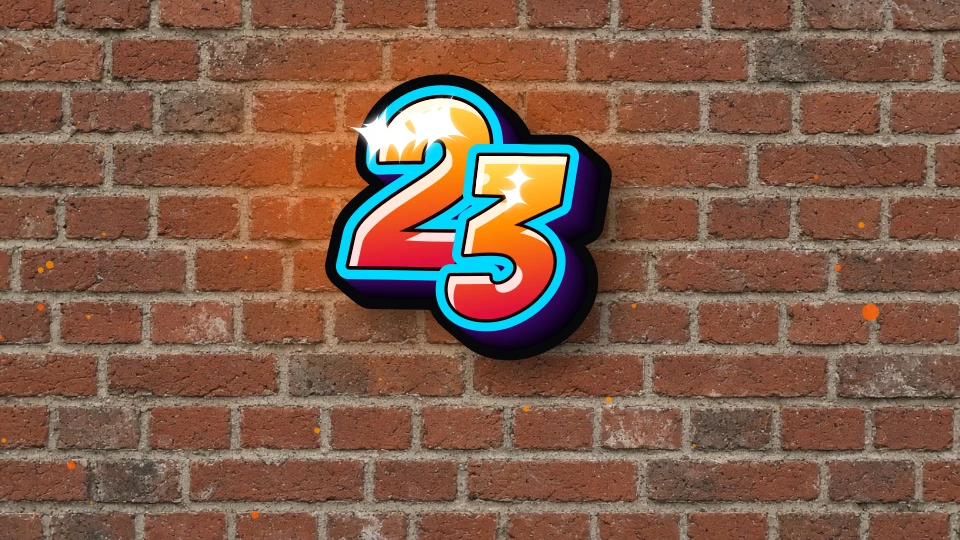
Halftone fill, punchy 3D and paint splats.
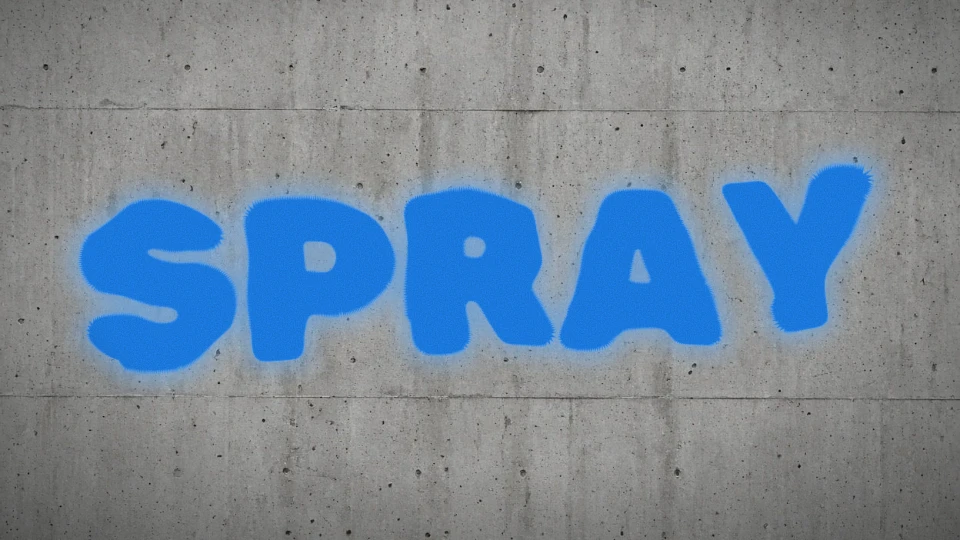
Straight-from-the-can spray texture.
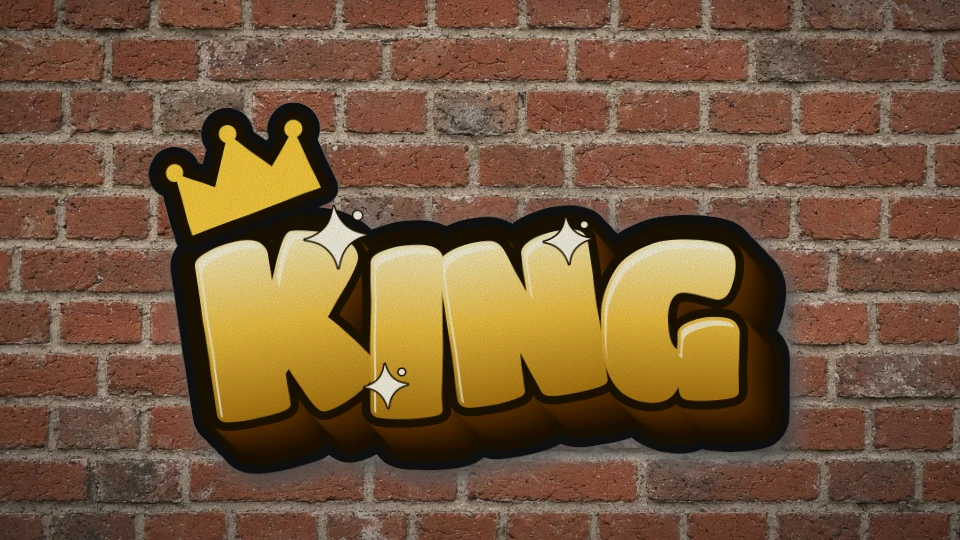
Gold letters wearing the king's crown.
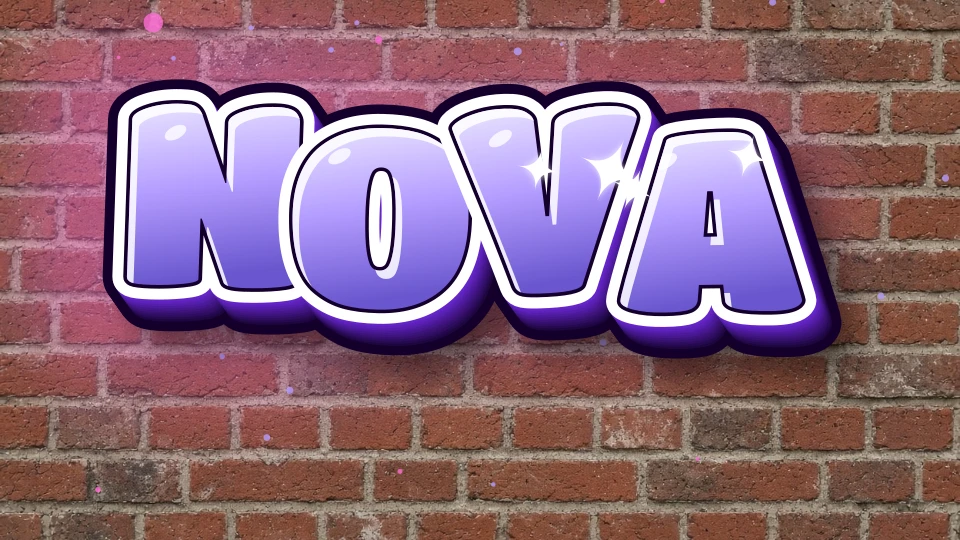
bubble · 3d · name
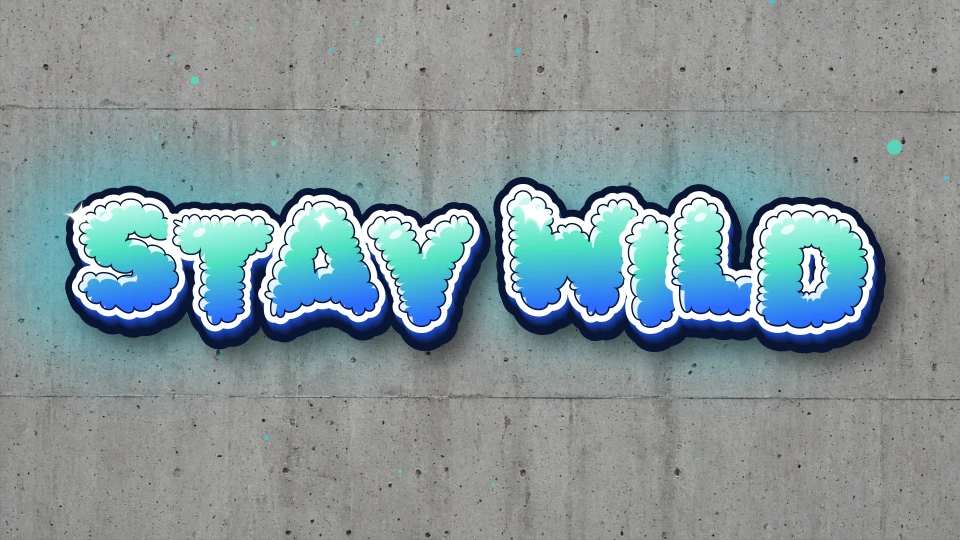
bubble · name
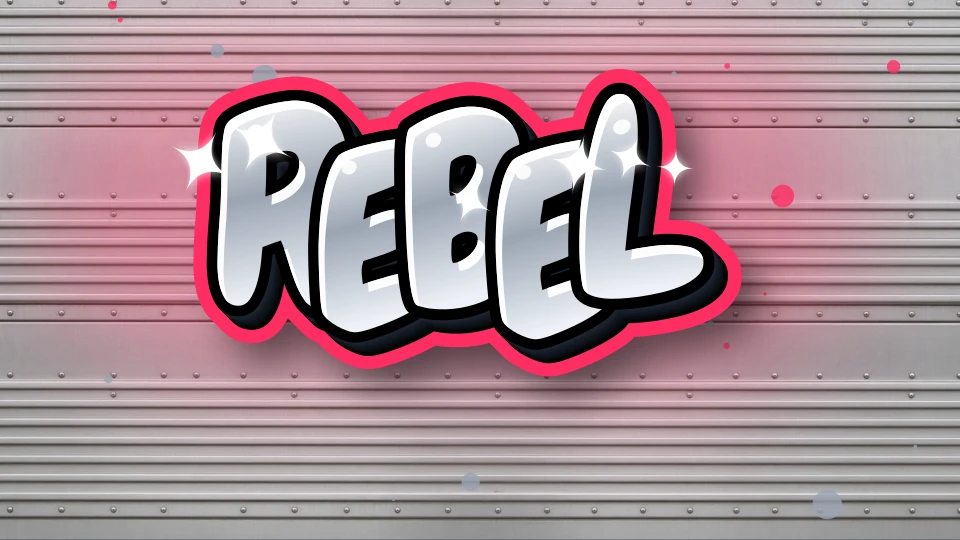
throwup · bubble
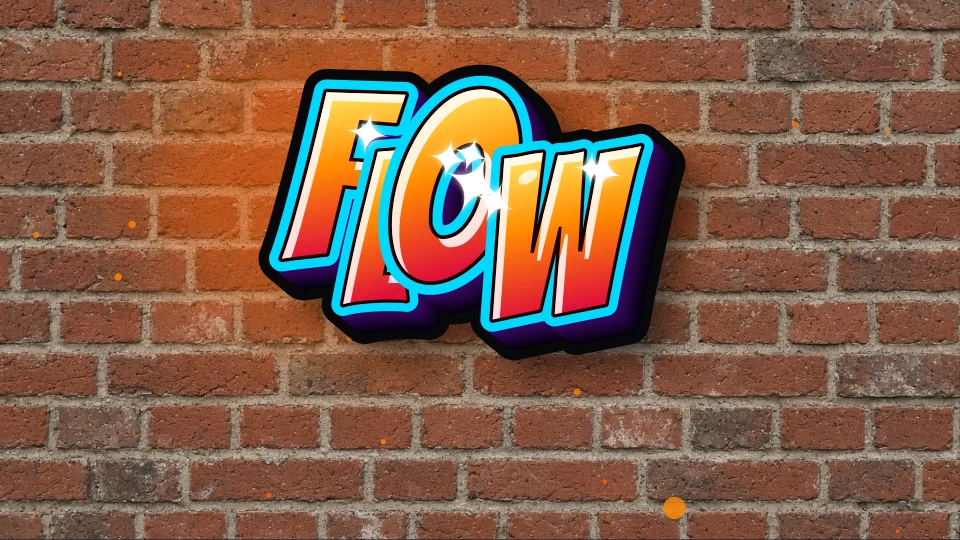
wildstyle · 3d
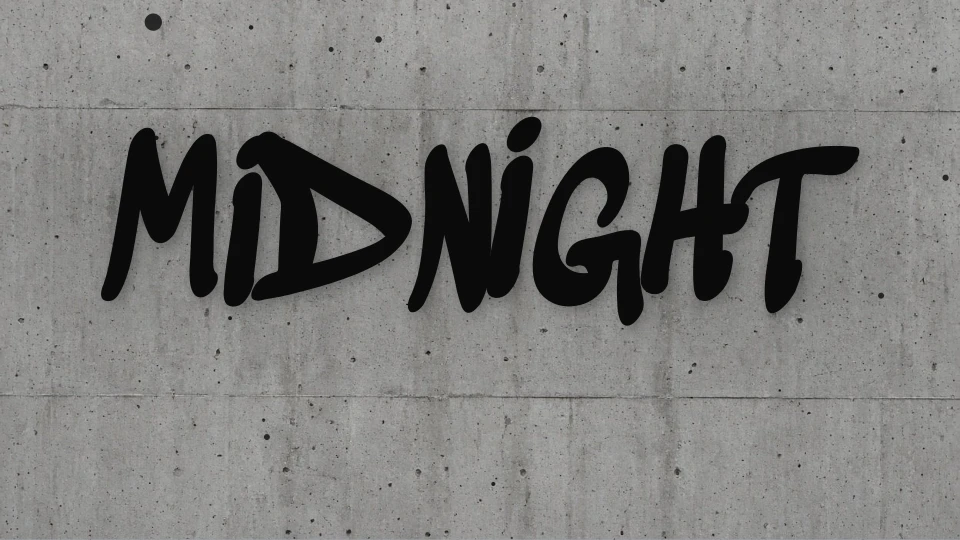
tag · name
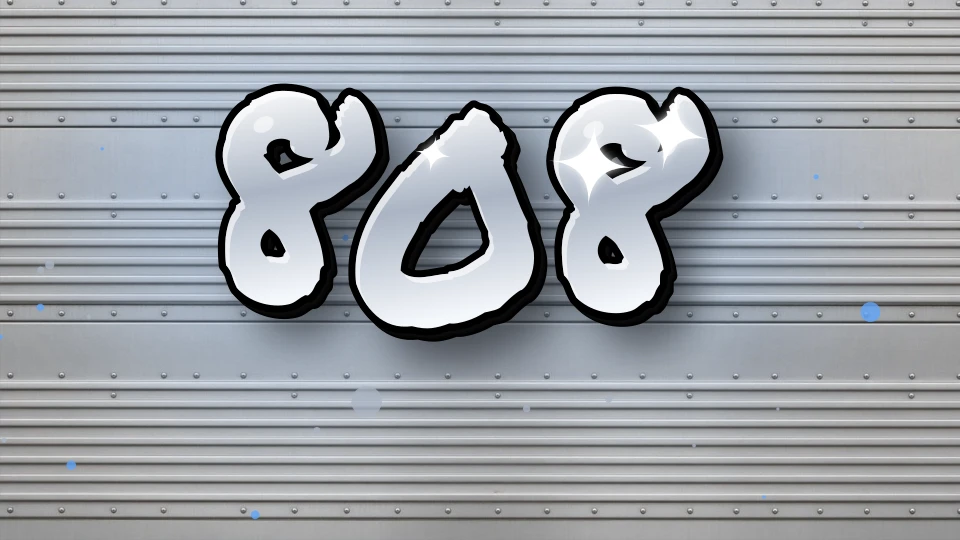
tag · name
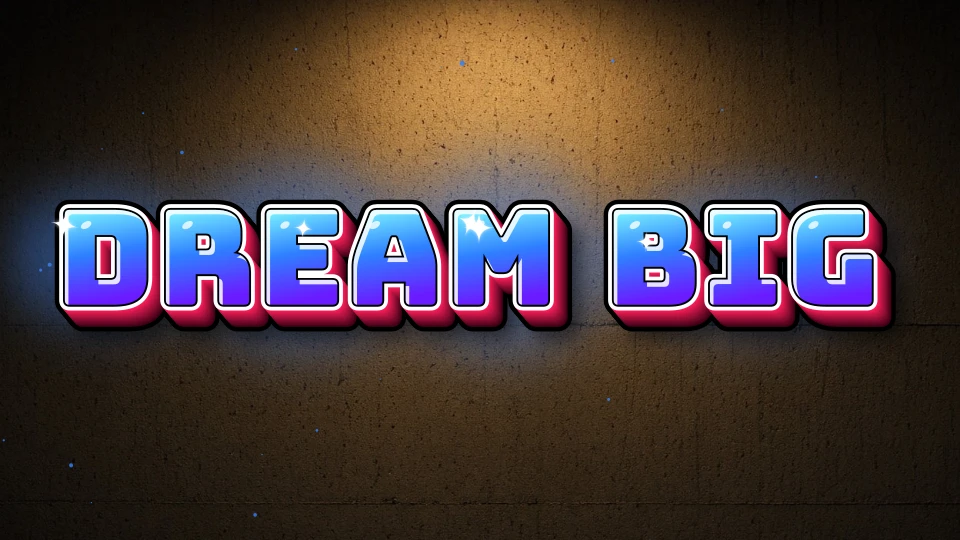
3d · name
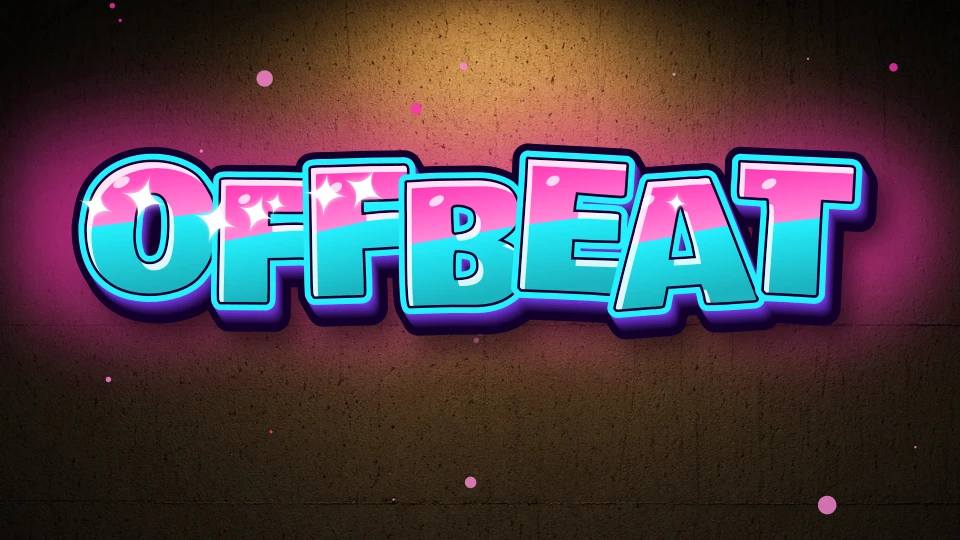
bubble · 3d
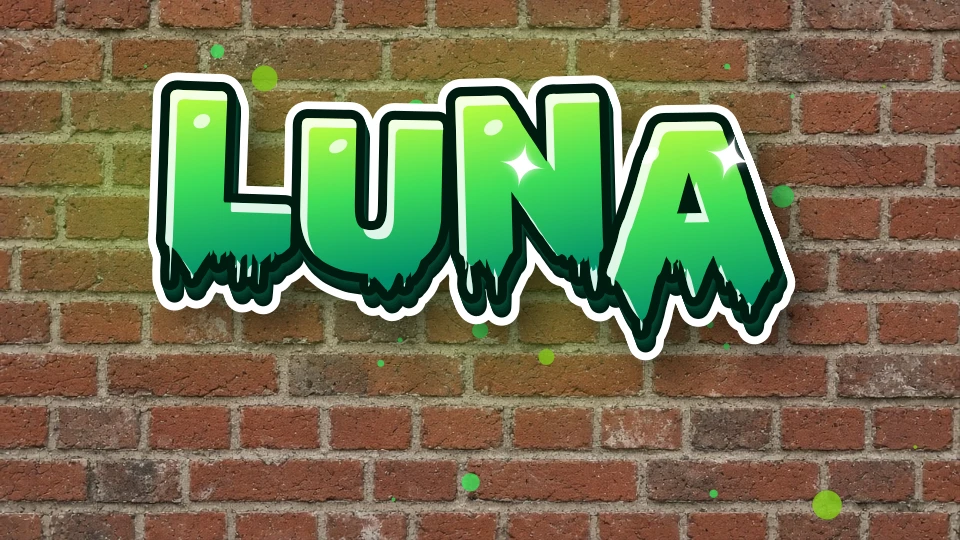
drip · name
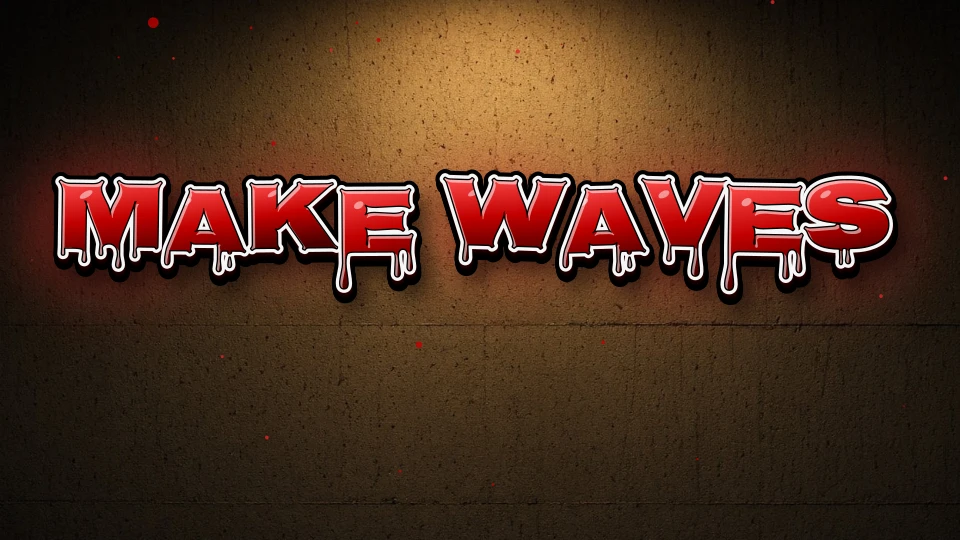
drip
bubble · 3d · name
wildstyle · 3d
wildstyle
drip · throwup
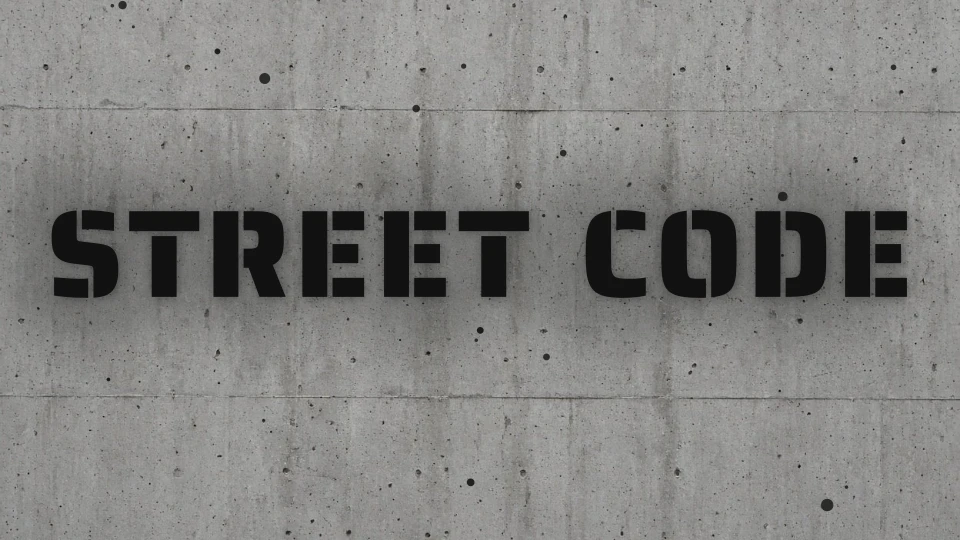
stencil
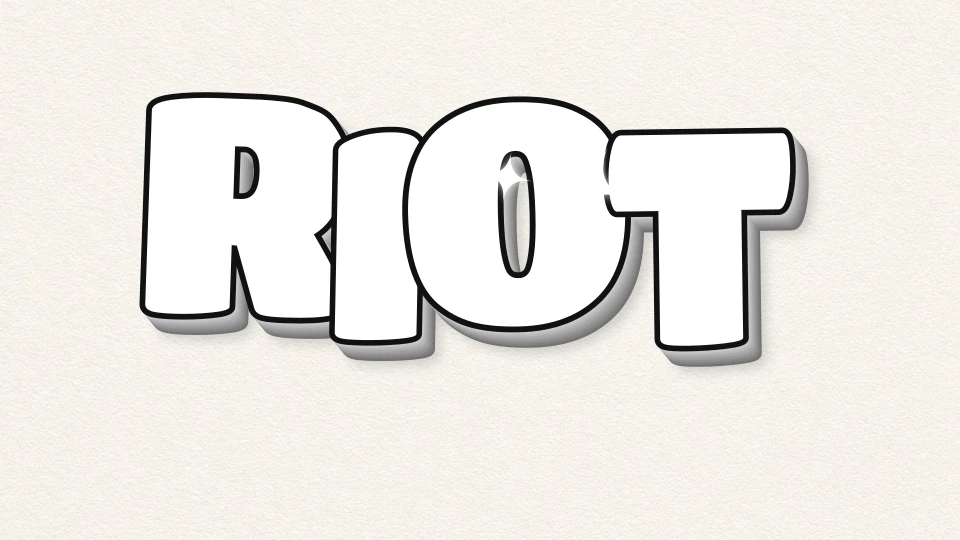
tag · bubble
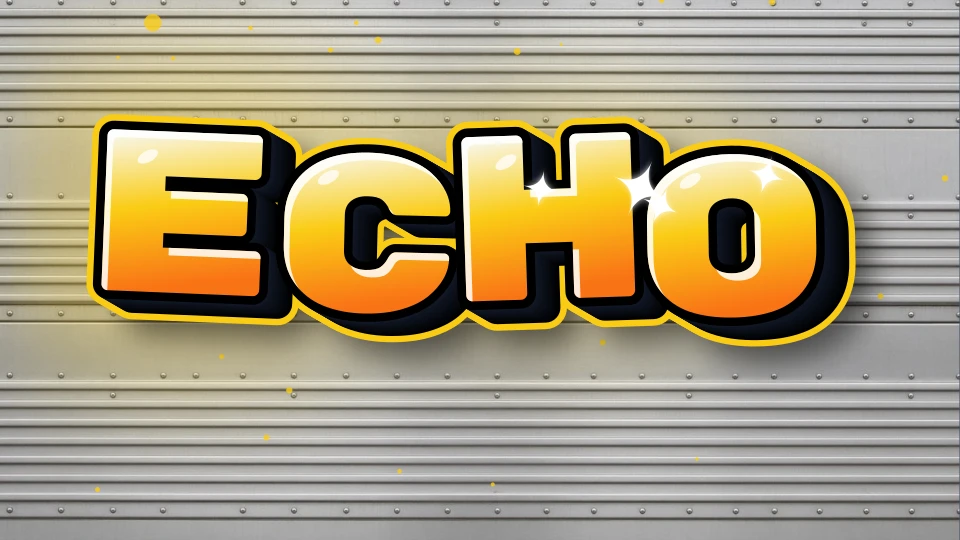
3d · throwup
Enter a name, tag, crew or word — up to 20 characters, letters and numbers.
Choose one of 31 presets, then adjust palette, 3D, drips, cutline and wall.
Drag, rotate and scale single letters, then grab a 4K PNG, transparent PNG or SVG.
No. Tagvoro draws text with browser code, self-hosted fonts and procedural effects. There is no remote AI image model, prompt-to-image API or AI credit system.
The 14 image fonts are self-hosted: Permanent Marker and Rock Salt use Apache 2.0; the other twelve use SIL OFL 1.1. Licenses and sources are linked in the footer. Unsupported glyphs can use device fonts. Backgrounds combine browser-drawn materials with a bundled, pre-made plaster texture; no images are generated at runtime.
Yes. Share copies a link or hands a PNG to your device's share menu. The link opens a noindex page with the design settings in its fragment; anyone with the full link can read them. This is not encryption or login protection. Gallery publication is separate: you must consent, submit and wait for review.
Yes. All current styles, finishes and PNG downloads are free, without an account or added Tagvoro watermark. Choose a base PNG export size up to 4096px. Crop and margin change the final dimensions shown after export. Vector SVG is also available. Font, name and brand rights still apply.
Yes. All five styles — free tag, creative, wildstyle, font, numbers — are 100% free. No account needed.
Personal and commercial use depends on applicable law and any third-party rights. We do not guarantee exclusivity or trademark eligibility. See the Terms and Disclaimer.
Yep — the generator is fully responsive on phones and tablets.
Use the Numbers style — it's tuned specifically for digit sequences (dates, crew codes, etc.).
graffiti names · graffiti numbers · graffiti tag generator · graffiti font generator
From bold bubble letters to sharp wildstyle and polished chrome. Start with a look, then make it your own.
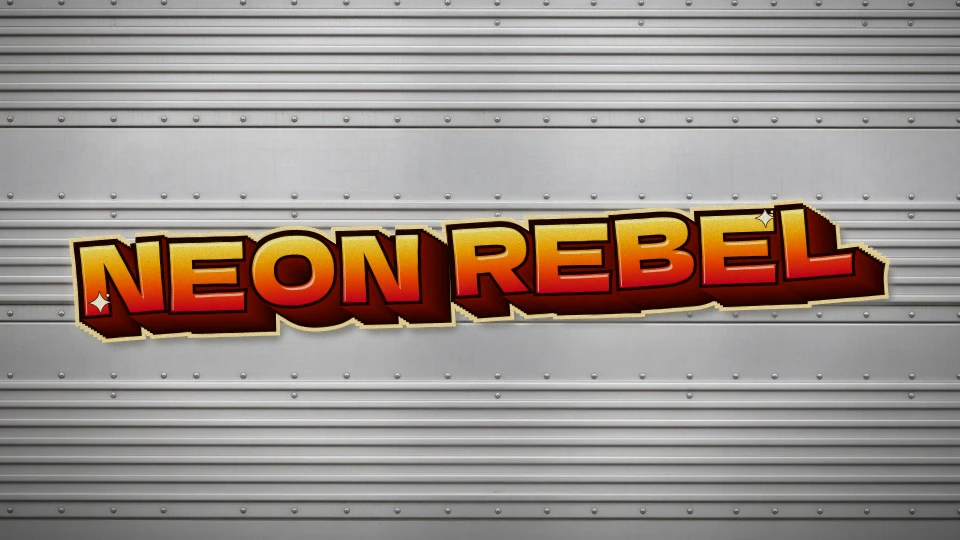
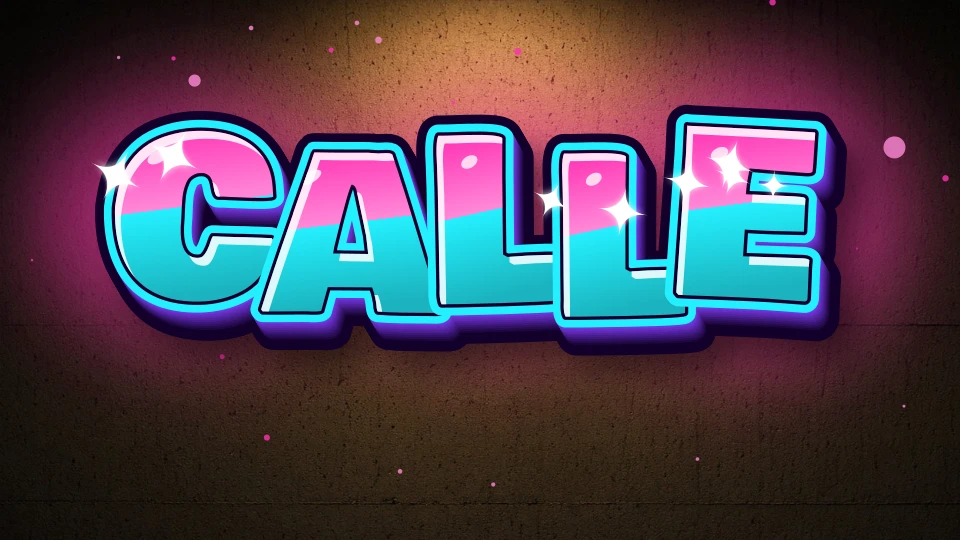
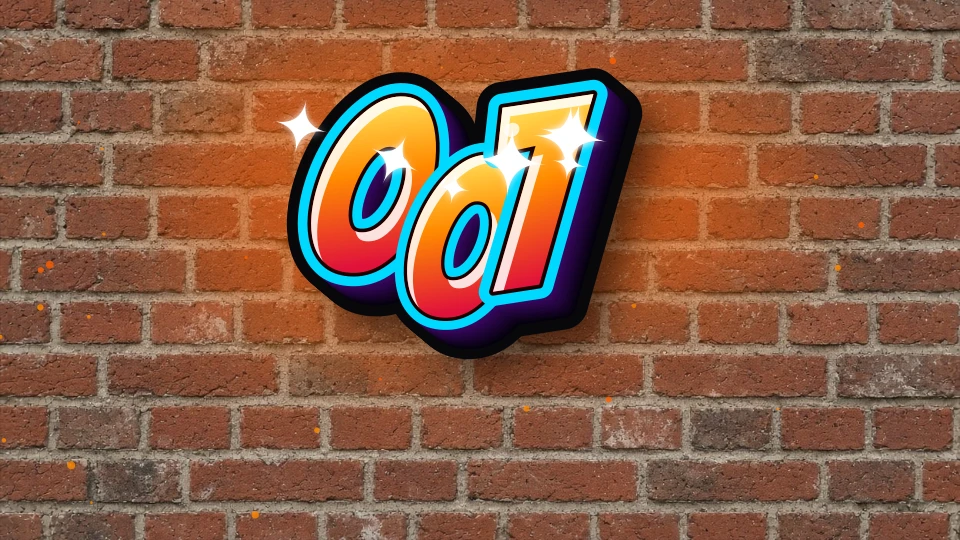
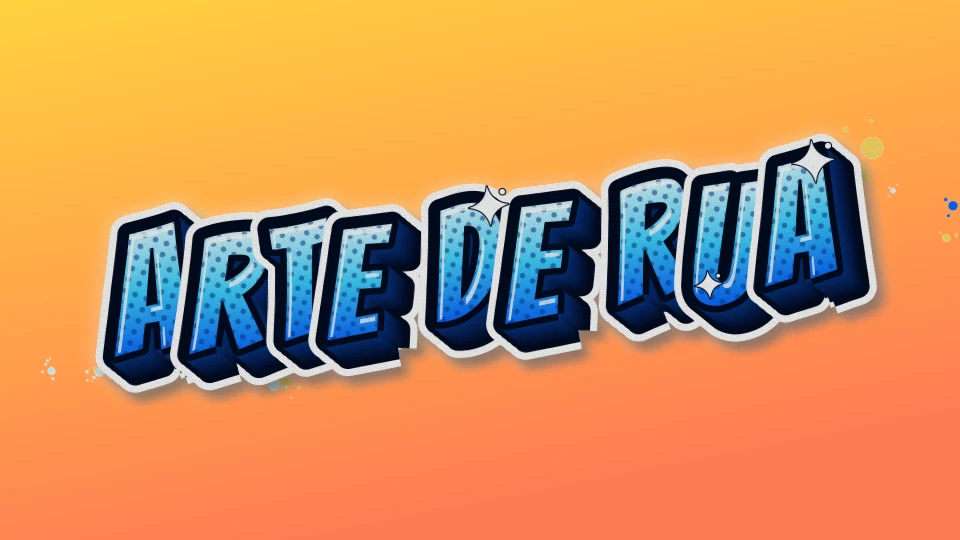
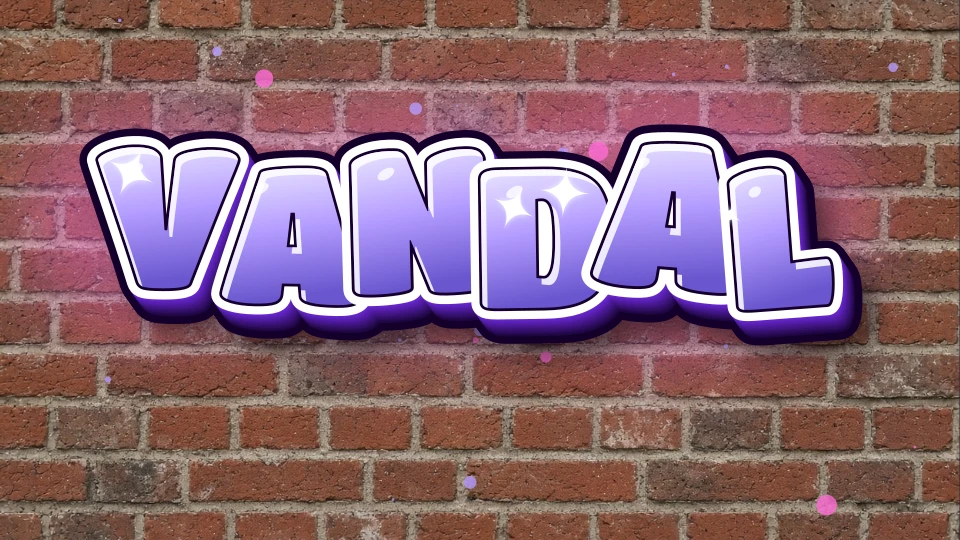
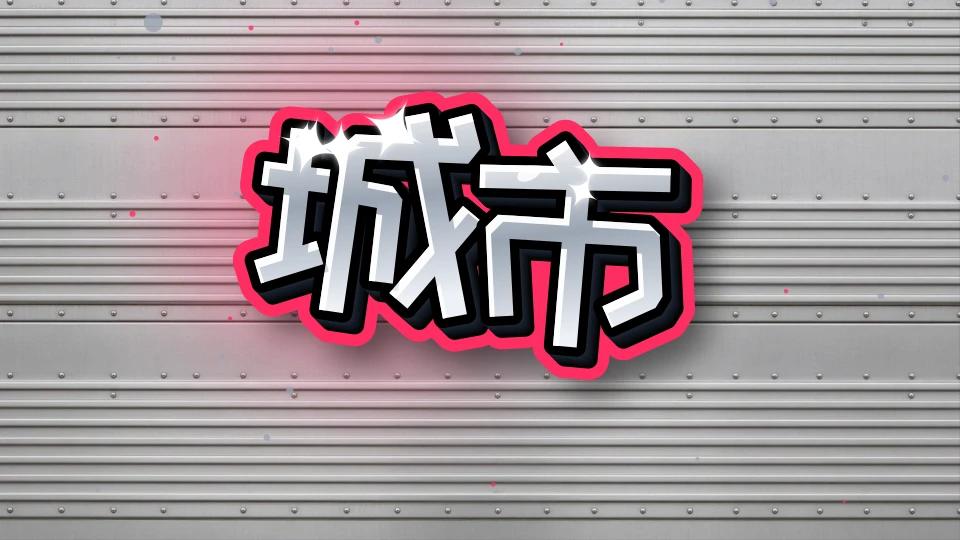
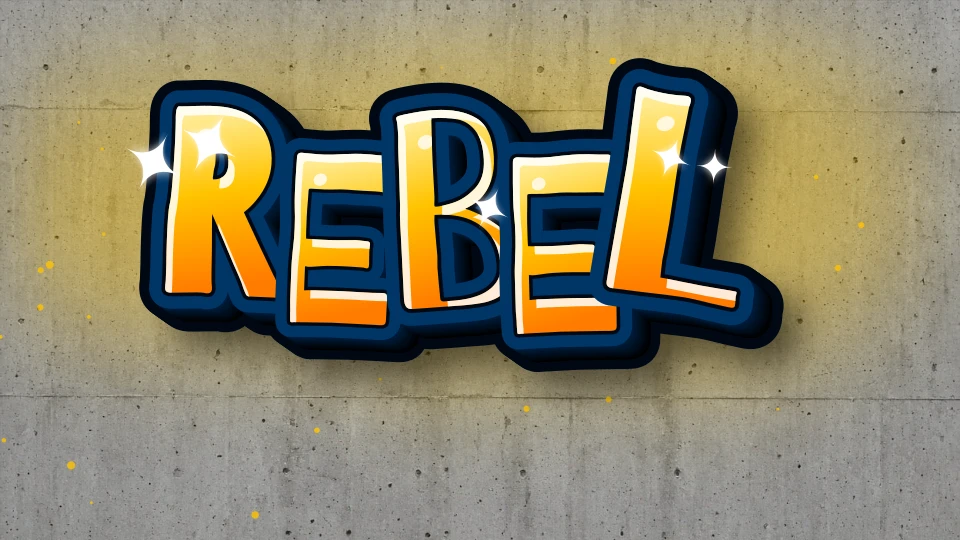
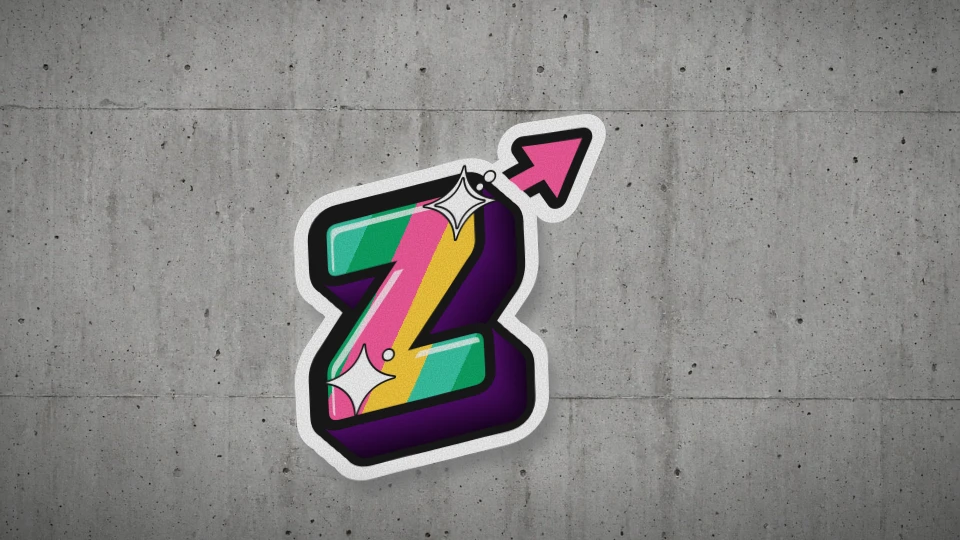
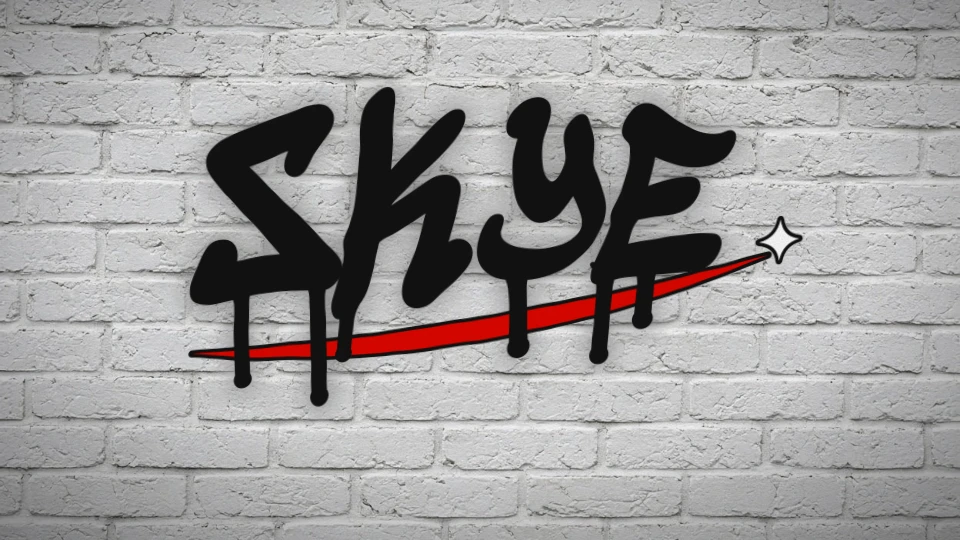
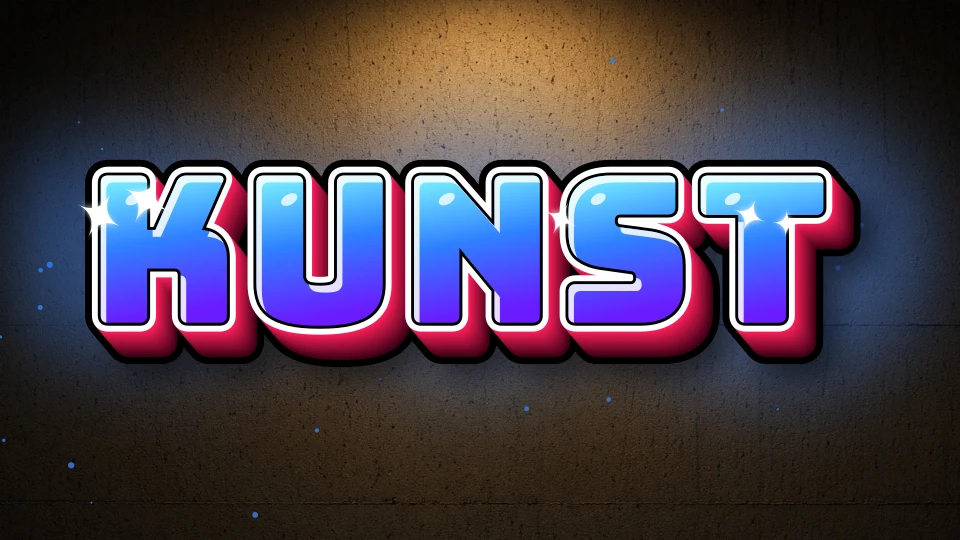
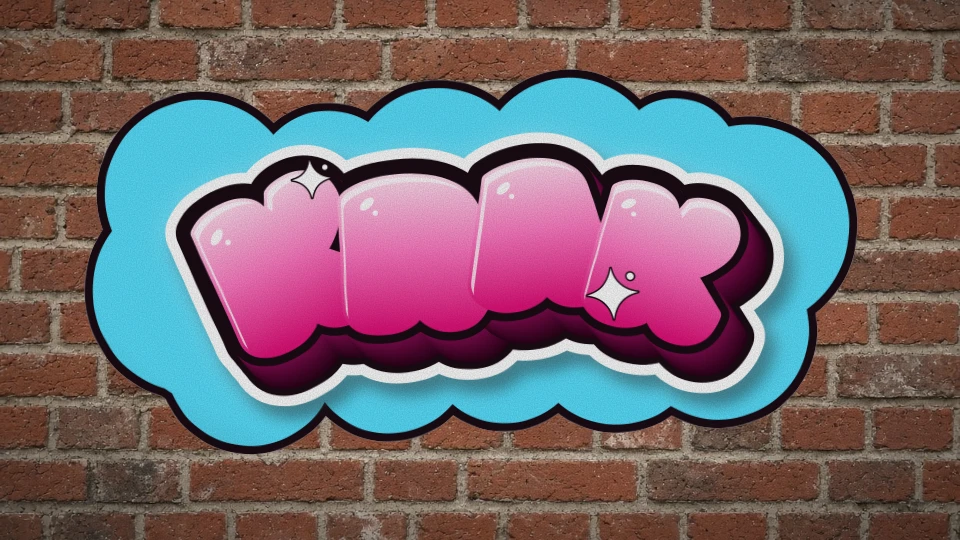
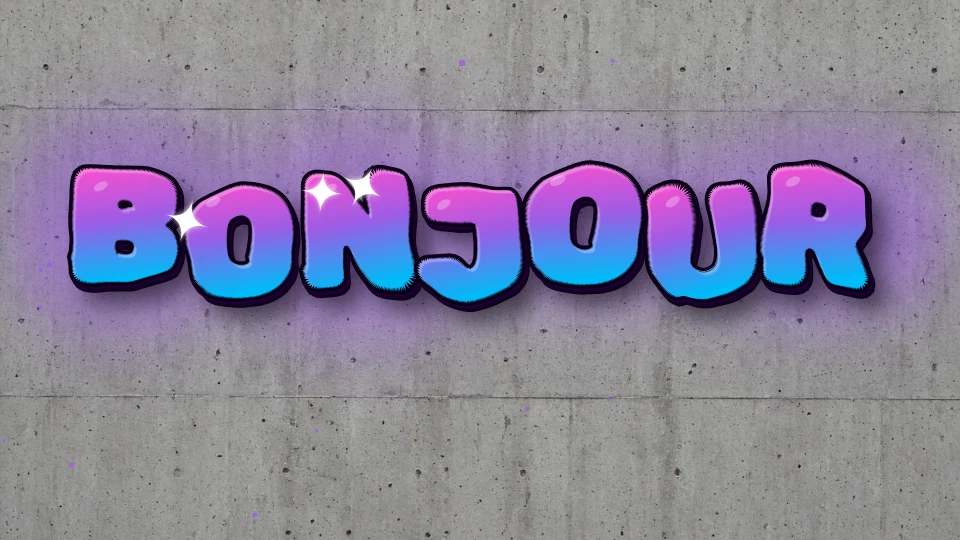
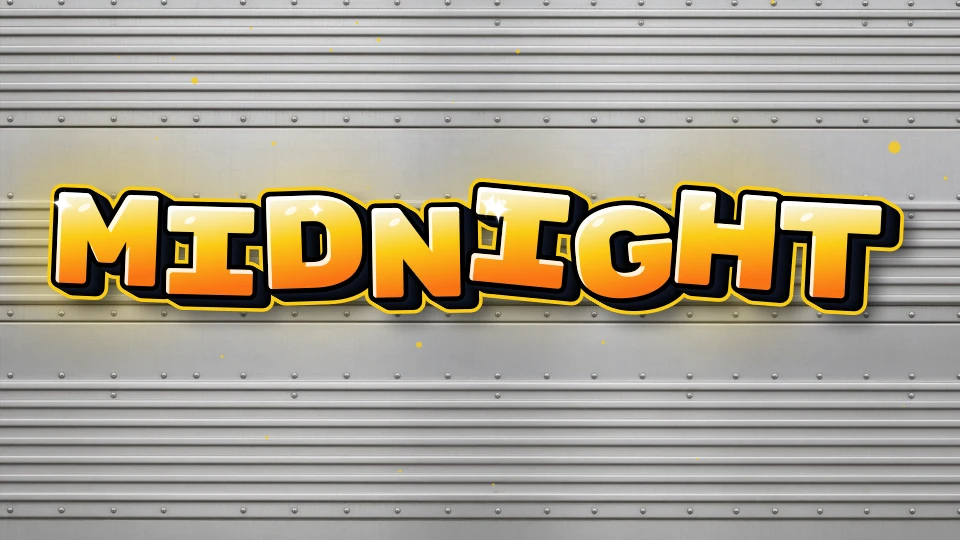
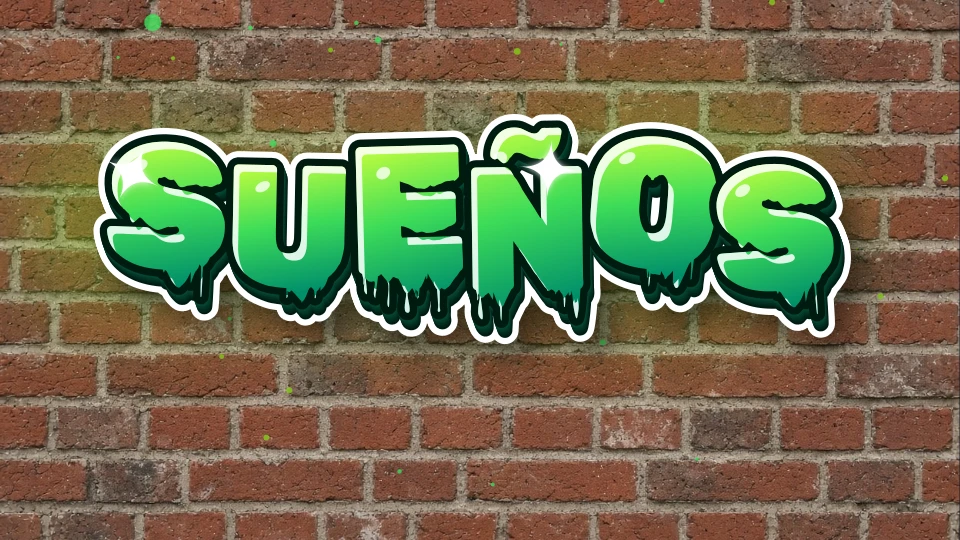
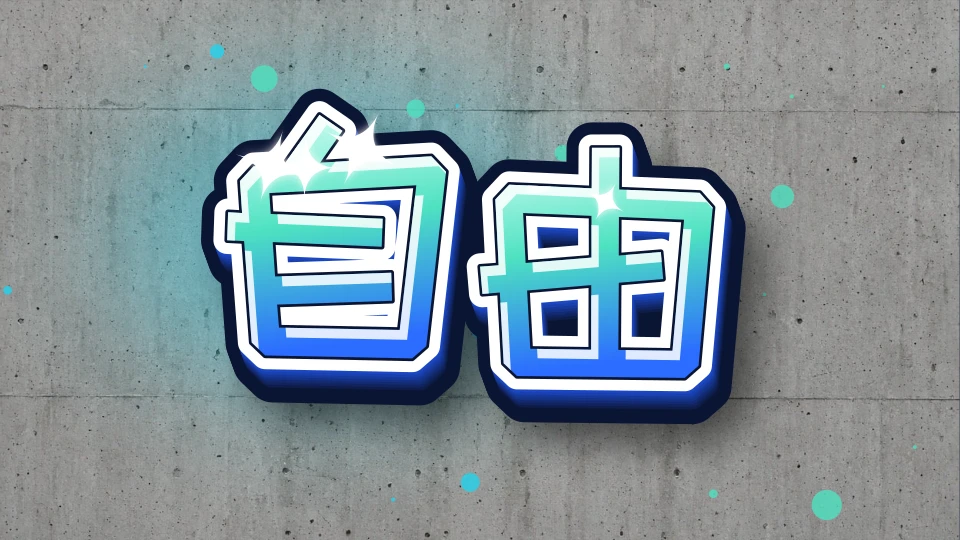
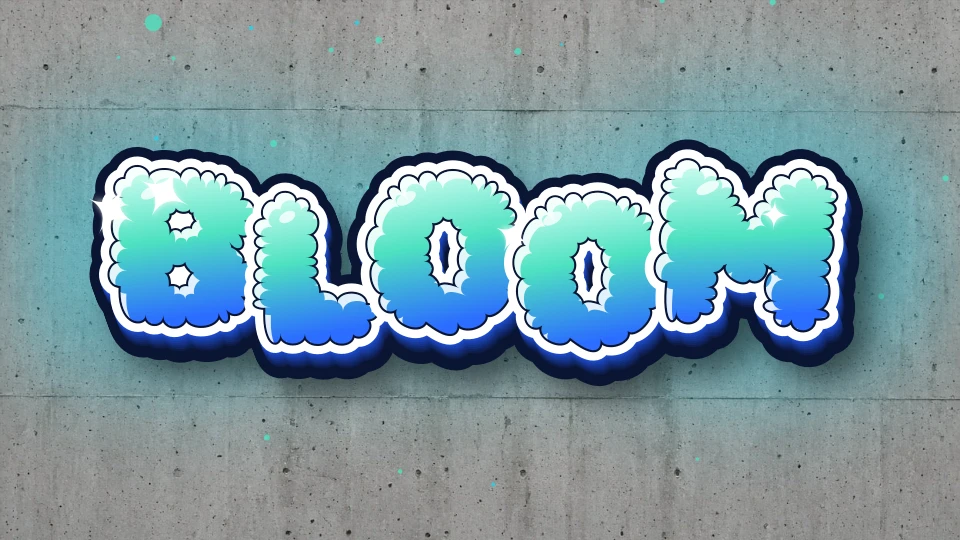
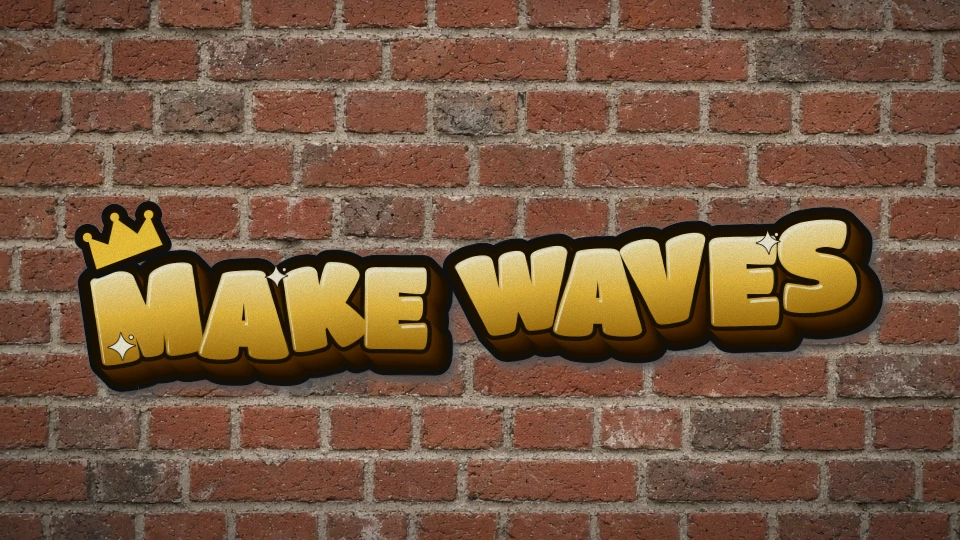
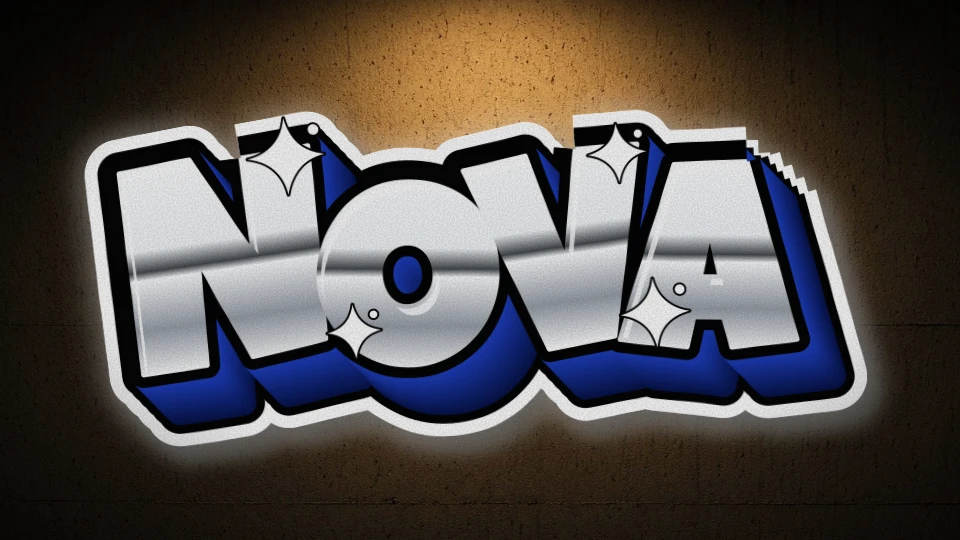
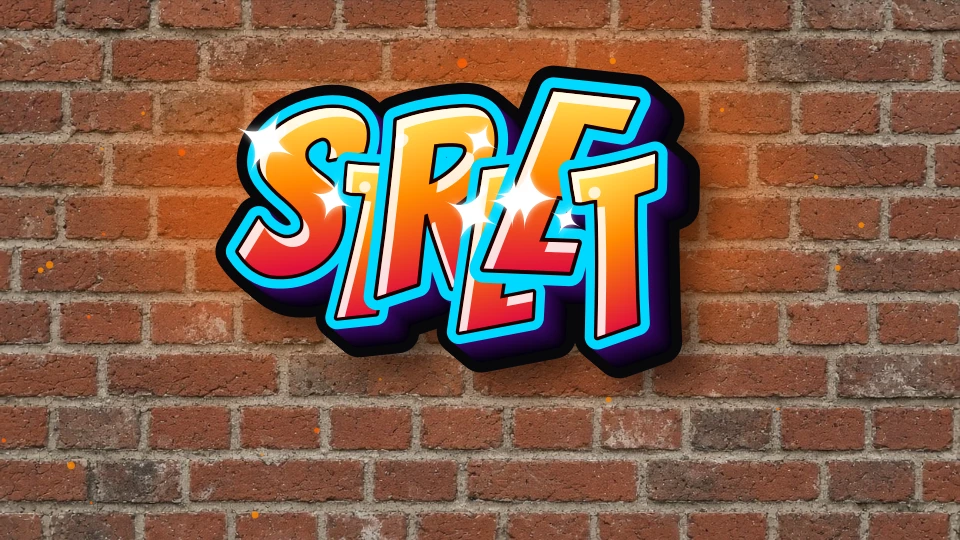
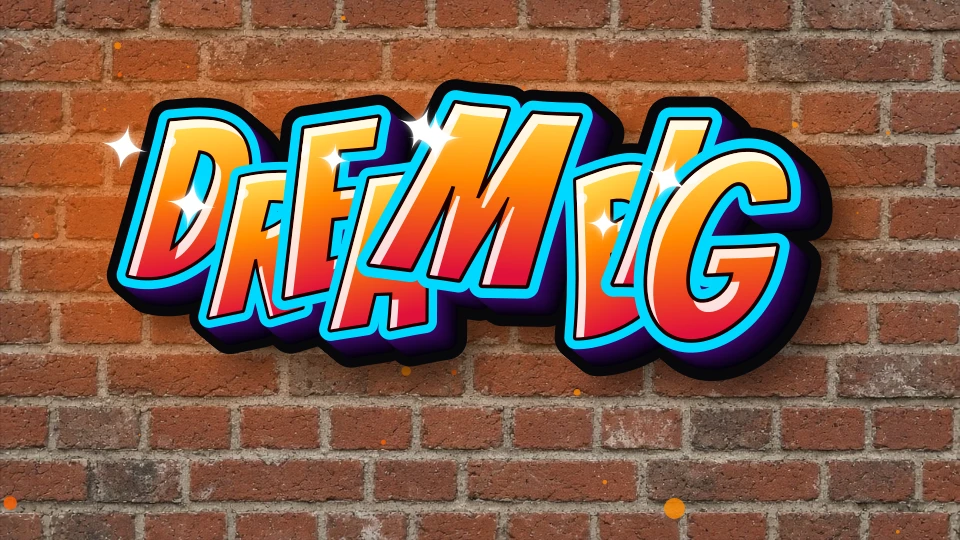
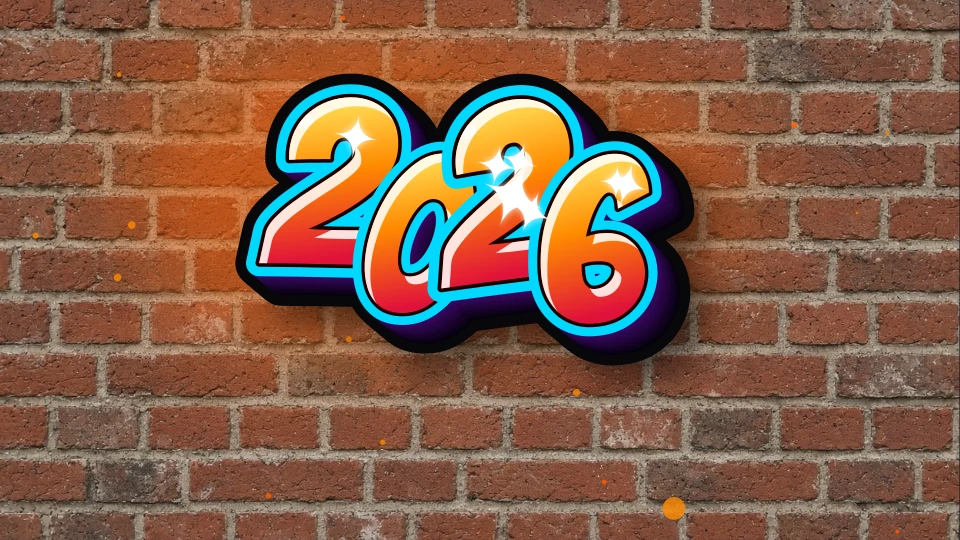
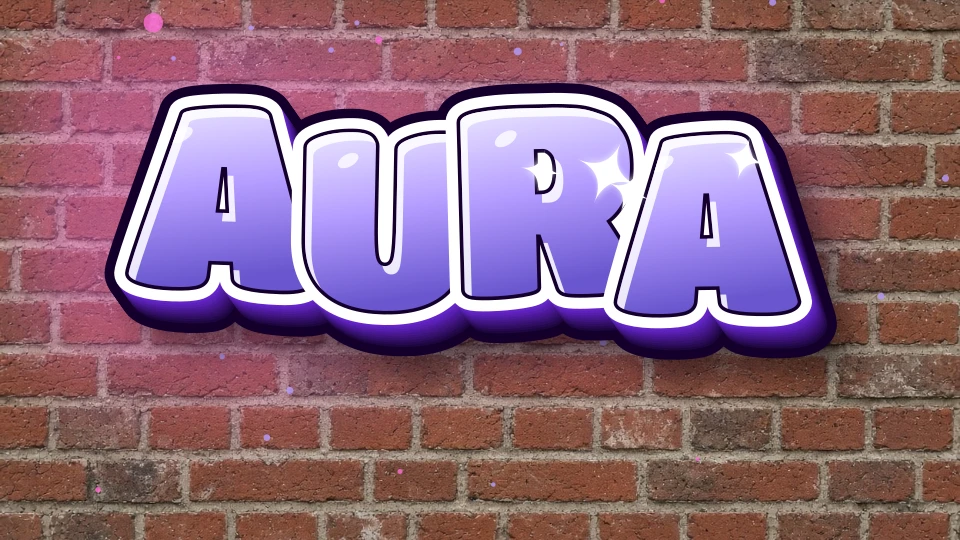
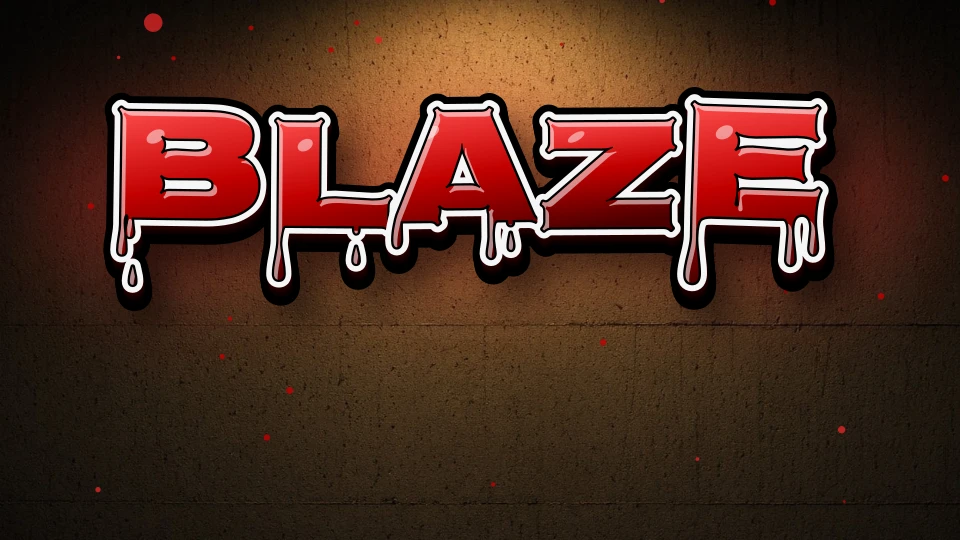
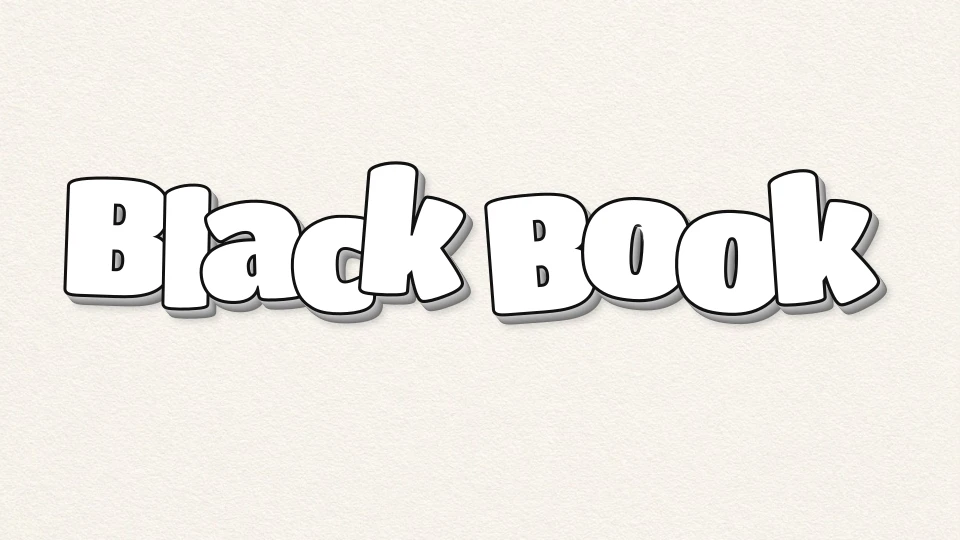
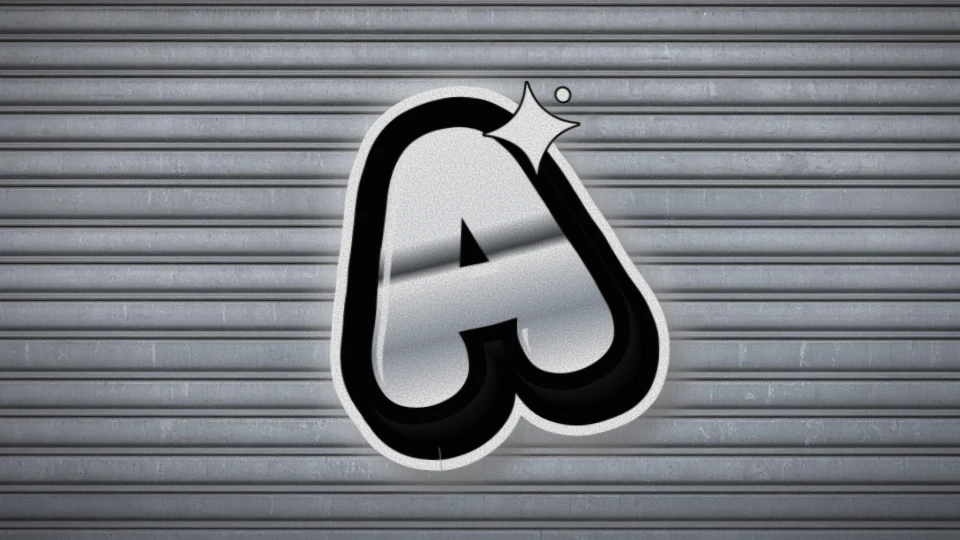
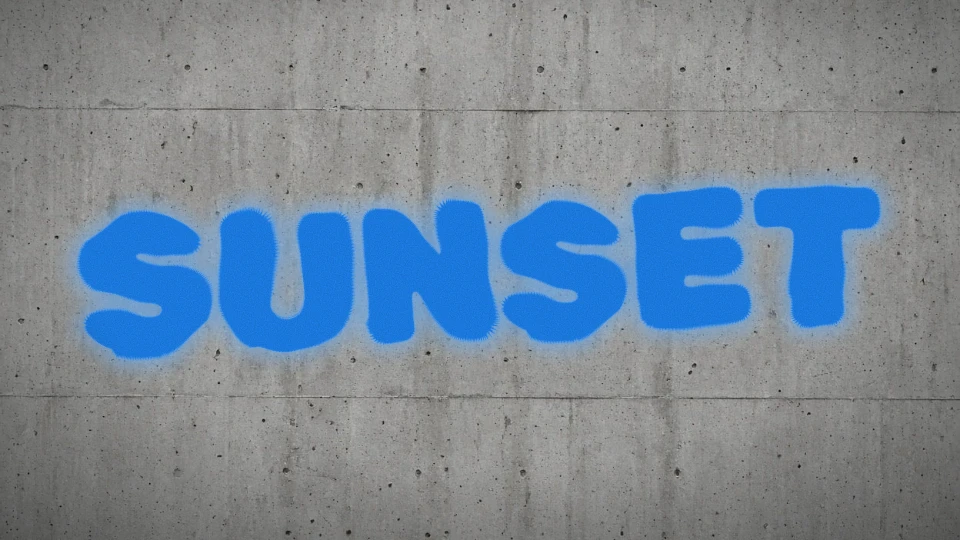
Bold outlines, bright color, flowing drips.
Sharp angles, arrows and layered color.
Metallic faces, reflections and depth.
Type it. Style it. Make it yours.
Enter your text (letters or numbers)
Pick a style that fits your vibe
Tweak colors, glow, shadow & drips
Hit Generate — download your piece free
Choose one letter A–Z, compare fonts and download letter art as PNG.
Compare 14 image fonts and existing color palettes.
Turn a nickname into a readable name design. Try short name ideas and download a PNG.
Make dates, jersey numbers and digit designs. Leading zeros stay intact.
Compose short words and phrases. Compare spacing at different text lengths.
Create a handwritten graffiti tag or nickname. Start with marker lettering, adjust colors and paint effects, then download a free PNG or share your settings.
Make a compact graffiti wordmark for an avatar, sticker or logo concept. Preview transparency, compare colors and download a free PNG without signing up.
Type and see your artwork change. No queue, no account.
Every gallery example uses the same renderer as your studio.
Download a PNG, choose transparency, or save your design link.
No. Tagvoro draws text with browser code, self-hosted fonts and procedural effects. There is no remote AI image model, prompt-to-image API or AI credit system.
The 14 image fonts are self-hosted: Permanent Marker and Rock Salt use Apache 2.0; the other twelve use SIL OFL 1.1. Licenses and sources are linked in the footer. Unsupported glyphs can use device fonts. Backgrounds combine browser-drawn materials with a bundled, pre-made plaster texture; no images are generated at runtime.
Yes. Share copies a link or hands a PNG to your device's share menu. The link opens a noindex page with the design settings in its fragment; anyone with the full link can read them. This is not encryption or login protection. Gallery publication is separate: you must consent, submit and wait for review.
Yes. All current styles, finishes and PNG downloads are free, without an account or added Tagvoro watermark. Choose a base PNG export size up to 4096px. Crop and margin change the final dimensions shown after export. Vector SVG is also available. Font, name and brand rights still apply.
Yes. All five styles — free tag, creative, wildstyle, font, numbers — are 100% free. No account needed.
Personal and commercial use depends on applicable law and any third-party rights. We do not guarantee exclusivity or trademark eligibility. See the Terms and Disclaimer.
Yep — the generator is fully responsive on phones and tablets.
Use the Numbers style — it's tuned specifically for digit sequences (dates, crew codes, etc.).
Explore all 14 fonts, effects, backgrounds and copyable Unicode in the classic tools. · PNG: 1200 × 520 / 2400 × 1040.
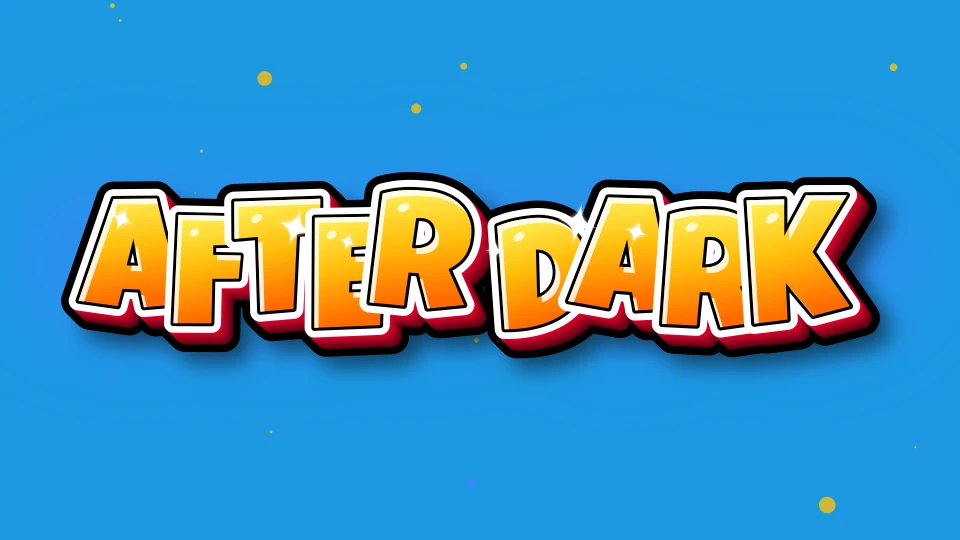
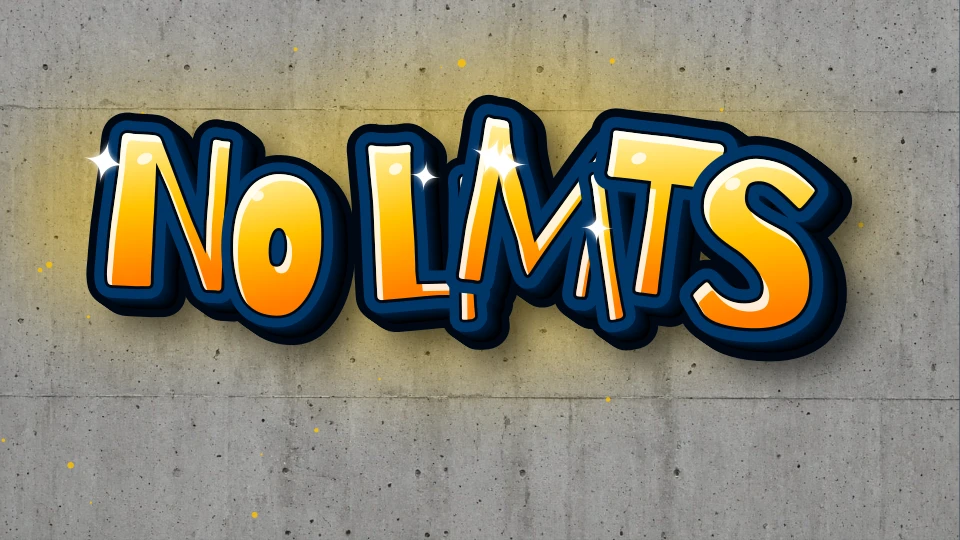
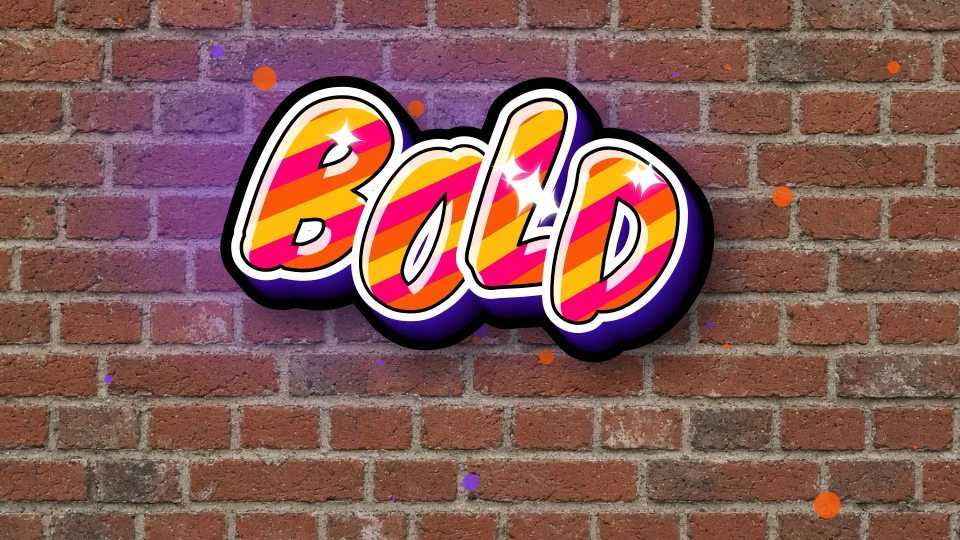
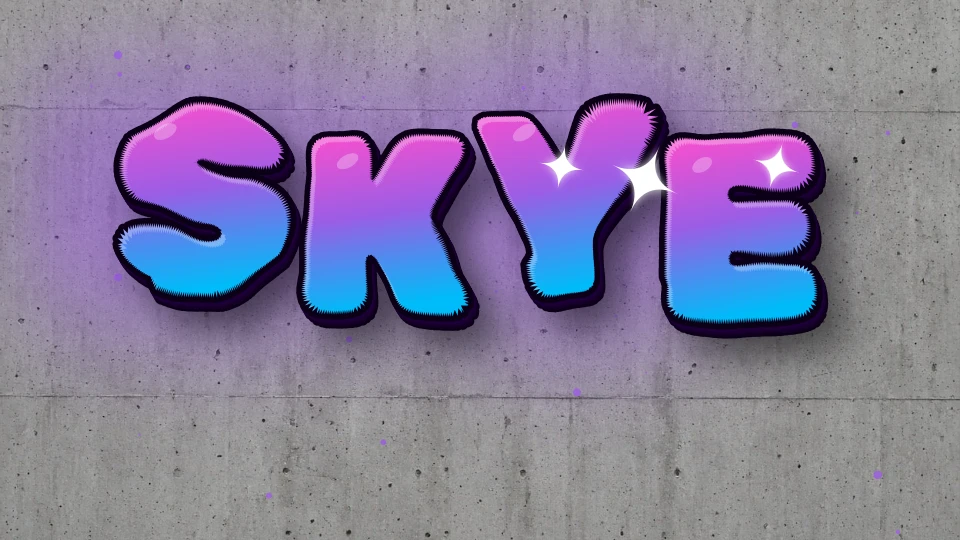
Inspect four official examples, their colors, backgrounds and practical notes, then open the exact settings to remix.
Use this page when you want to explore all five styles before deciding on a direction. For a nickname, start in the name tool and try a short name idea. For a slogan, use the text tool to compare editable phrases and watch the character count. To judge letter shapes, the font tool compares 14 bundled families while keeping the other settings the same. The numbers tool checks digits and supported separators, making it a better starting point for a date or score than a general text example.
Decide how large the lettering will appear before adding more effects. A short word may remain readable as an avatar where a longer phrase becomes too small. After choosing a main color and background, inspect the spaces inside letters and between words. Glow, shadow and drips can change the silhouette, so turn them off one at a time if shapes blend together. The tool does not move individual letters; use a shorter nickname, a simpler font or fewer effects when the composition feels crowded.
To place the artwork over your own image, choose Transparent and download the PNG rather than taking a screenshot of the checkerboard. Crop removes surrounding space, and the margin leaves room outside the visible effects. The default frame is 1200 × 900 pixels; cropping makes a smaller file. Check the dimensions beside Download and avoid stretching the PNG beyond its source size. A transparent background alone does not make a file suitable for every print size or printing process.
See the transparent PNG and cropping walkthrough →Download the version you want to keep, then copy its design link before experimenting. A friend opens a separate copy and can try another font or palette; the original link still describes the earlier settings. Change one setting at a time when comparing versions. The full link contains readable settings, so share only text you are comfortable sending to its recipients. This does not automatically publish the design in the gallery: public submission requires a separate choice and review.
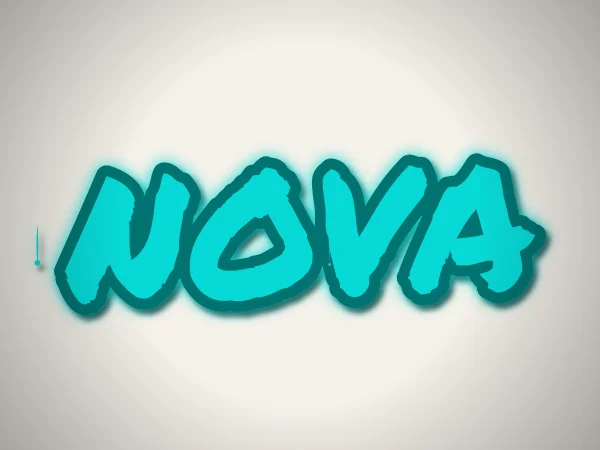
Use Permanent Marker lettering for a handwritten tag, with optional outlines, shadow and paint drips.
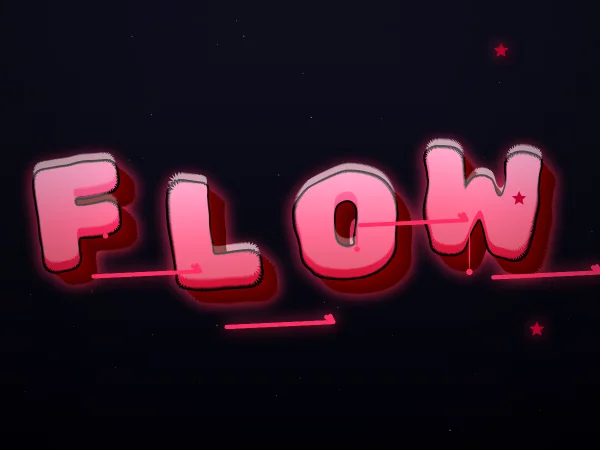
A procedural generator blends random color palettes, glow, drips and composition for fresh pieces every click.
Combine spray-font letters, generated arrows, spikes and depth. A wildstyle-inspired digital effect, without individual stroke editing.
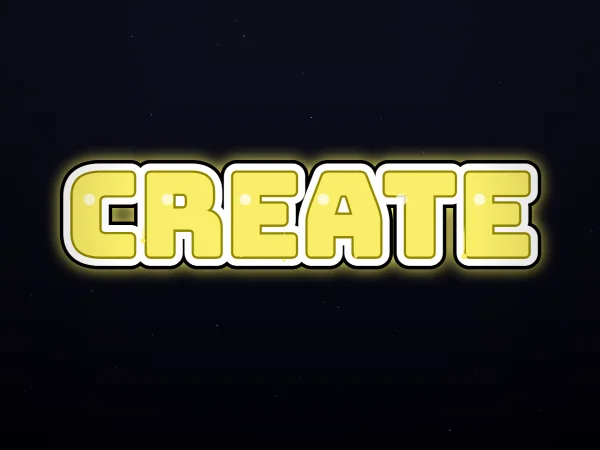
Create bold Bungee lettering with layered outlines. Export an image with a solid or transparent background; this is not an installable font file.
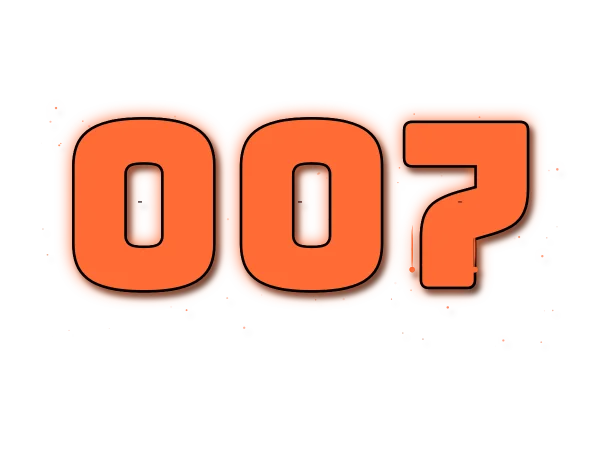
Create bold, high-contrast number designs for dates, scores and codes using digits 0–9.
Create and download in your browser with no signup, payment or watermark. After fonts load, drawing uses local code rather than an AI queue; speed depends on your device. Copy a design link to let someone remix their own version. Sharing with another app sends it your chosen link or PNG; only an explicit gallery submission stores design settings on our server for review.
No. Tagvoro draws text with browser code, self-hosted fonts and procedural effects. There is no remote AI image model, prompt-to-image API or AI credit system.
The 14 image fonts are self-hosted: Permanent Marker and Rock Salt use Apache 2.0; the other twelve use SIL OFL 1.1. Licenses and sources are linked in the footer. Unsupported glyphs can use device fonts. Backgrounds combine browser-drawn materials with a bundled, pre-made plaster texture; no images are generated at runtime.
Yes. Share copies a link or hands a PNG to your device's share menu. The link opens a noindex page with the design settings in its fragment; anyone with the full link can read them. This is not encryption or login protection. Gallery publication is separate: you must consent, submit and wait for review.
Yes. All current styles, finishes and PNG downloads are free, without an account or added Tagvoro watermark. Choose a base PNG export size up to 4096px. Crop and margin change the final dimensions shown after export. Vector SVG is also available. Font, name and brand rights still apply.
Yes. All five styles — free tag, creative, wildstyle, font, numbers — are 100% free. No account needed.
Personal and commercial use depends on applicable law and any third-party rights. We do not guarantee exclusivity or trademark eligibility. See the Terms and Disclaimer.
Yep — the generator is fully responsive on phones and tablets.
Use the Numbers style — it's tuned specifically for digit sequences (dates, crew codes, etc.).