What to notice
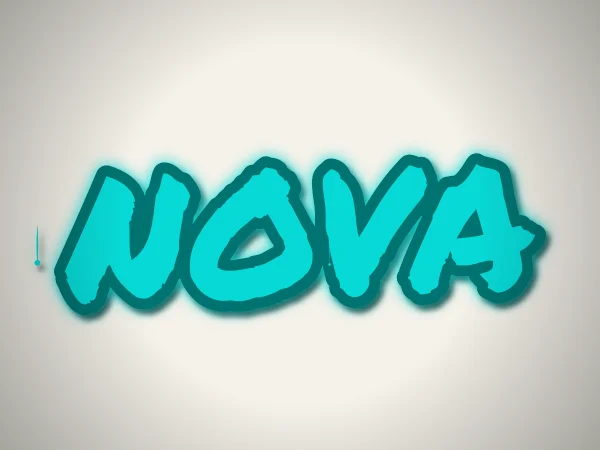
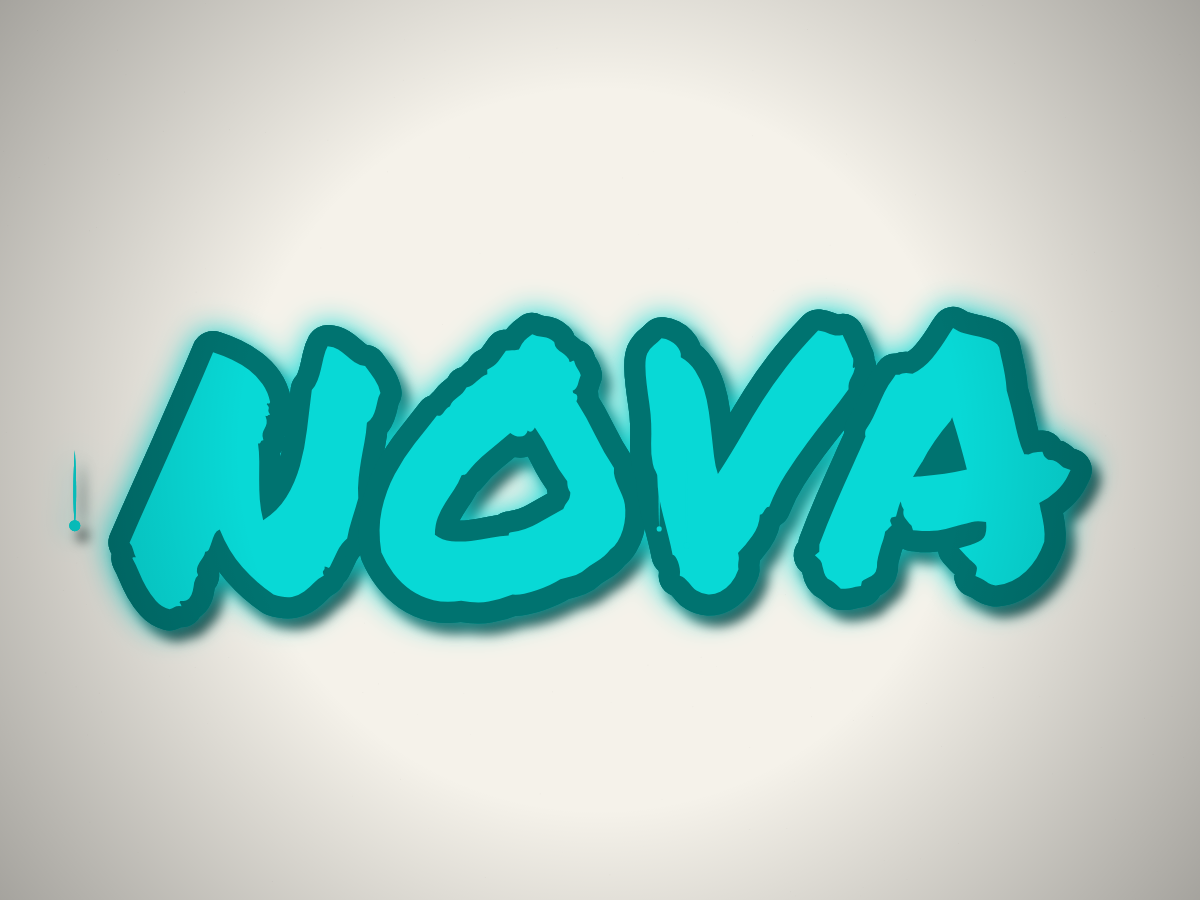
NOVA uses the Freehand mode and the self-hosted Permanent Marker font. Four broad letters leave room for the marker shapes to stay recognizable. Cyan separates the name from the light wall, while the surrounding effects add texture. The name is a demonstration word, not an attributed user submission.
How to adapt this design
- Open the name generator with NOVA loaded, then try your own short name. The tool accepts up to 20 characters; longer text makes each letter smaller.
- Compare the light background with Dark without changing the main color. Judge the whole outline rather than only the cyan fill.
- Switch to Transparent if you want to place the name over another design. That is a new variation: this original example has a painted light background.
Will every alphabet look like this NOVA example?
No. The marker font supplies supported glyphs; unsupported characters can fall back to a device font. Test the actual name before downloading. The Traditional Chinese interface does not mean every Chinese character has a matching marker glyph.