What to notice
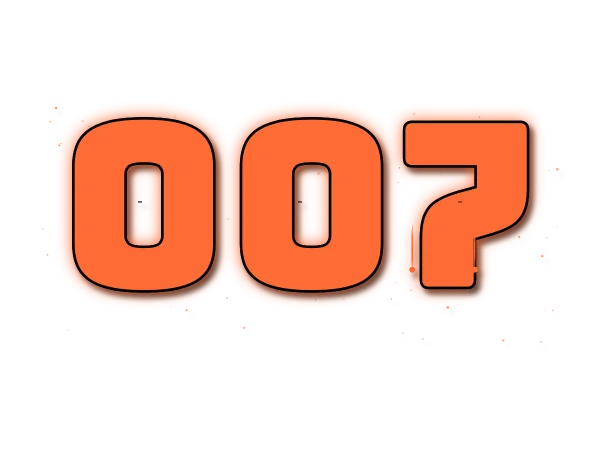
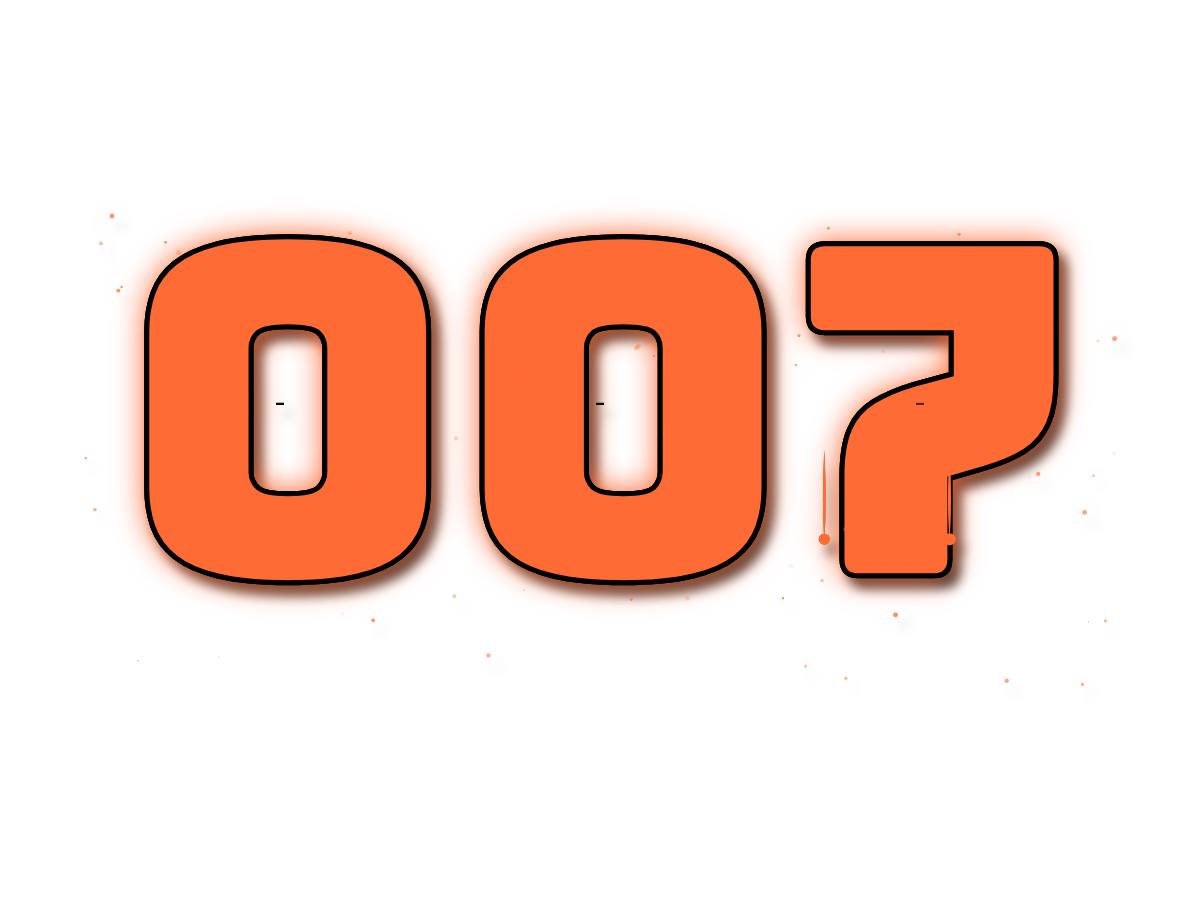
This orange number design keeps 007 as text, so both zeros survive. Its clear background lets another image show through the gaps. Glow and shadow soften the outline; the checkerboard behind the preview is a page aid and is not part of the PNG. This is a number-lettering example, not a claim of affiliation with any film or brand.
How to adapt this design
- Open the settings in the numbers generator. Leave the text as 007 to retain both zeros; entering 7 produces a different design.
- Try switching glow and shadow off before placing the design on a busy photo. The orange fill remains, while the soft outer pixels change.
- Keep the background set to Transparent. Download the full 1200 × 900 PNG, or enable Crop in the editor and choose a margin to reduce empty space.
Why does the downloaded 007 have empty space around it?
The original export uses a 1200 × 900 canvas rather than a tight box. Crop is optional. Turn it on in the editor to trim around visible pixels, including drips, glow and shadow. Cropping does not increase resolution.