What to notice
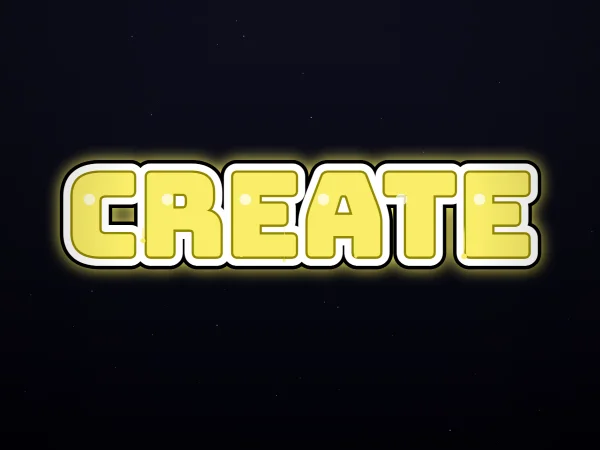
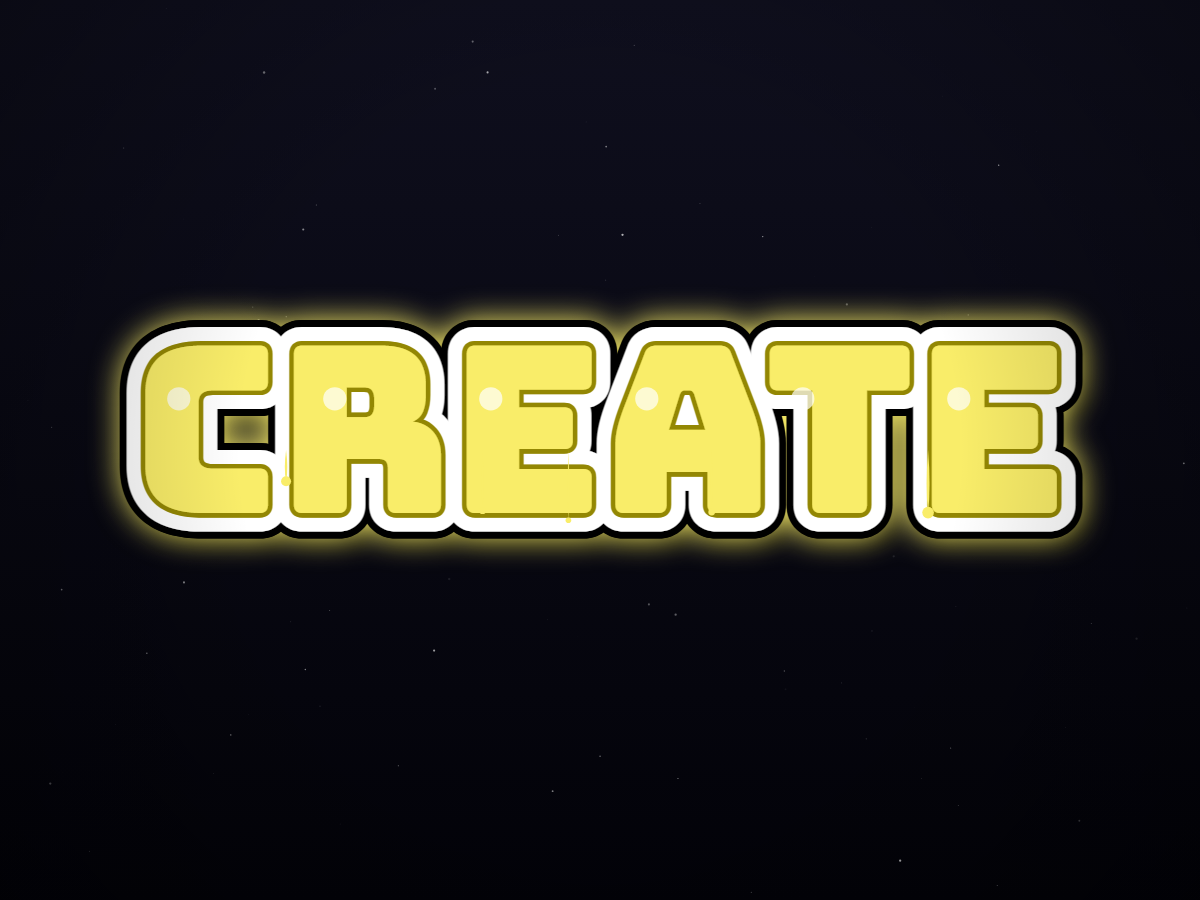
CREATE uses the Font mode with Bungee's heavy letter shapes. Yellow fill and layered outlines give the six-letter word a clear central silhouette on the dark background. It is useful for comparing structured type with the looser FLOW and NOVA examples: the contrast comes from an actual font choice and effects, not a different AI prompt.
How to adapt this design
- Open CREATE and inspect the letters at full size before changing the text. Pay attention to the inner spaces in R and A.
- Try switching shadow off, then back on. Compare how the extra layer separates the yellow letters from the dark background.
- Replace CREATE with your own short heading. Download PNG when the spacing works, or switch to Transparent to use the lettering in a separate layout.
Does this download install a graffiti font?
No. The download is a raster PNG of the design, not an editable font file or an SVG. You can change the wording in Tagvoro and export again. Font license information is linked below; a displayed example does not clear every name or brand for commercial use.