Graffiti fonts: copy-and-paste text or a finished PNG?
A styled word can be either editable text or an image. Choose the format for the place you will use it: a bio needs characters, while a poster can carry layered outlines, light and paint.
Use characters for text fields
The copy-and-paste tool maps supported letters to Unicode styles. Copy a short sample into the destination first: device fonts and accessibility tools may interpret decorated characters differently. An outline, spotlight or explosion cannot travel inside a plain-text field.
Use artwork for visual effects
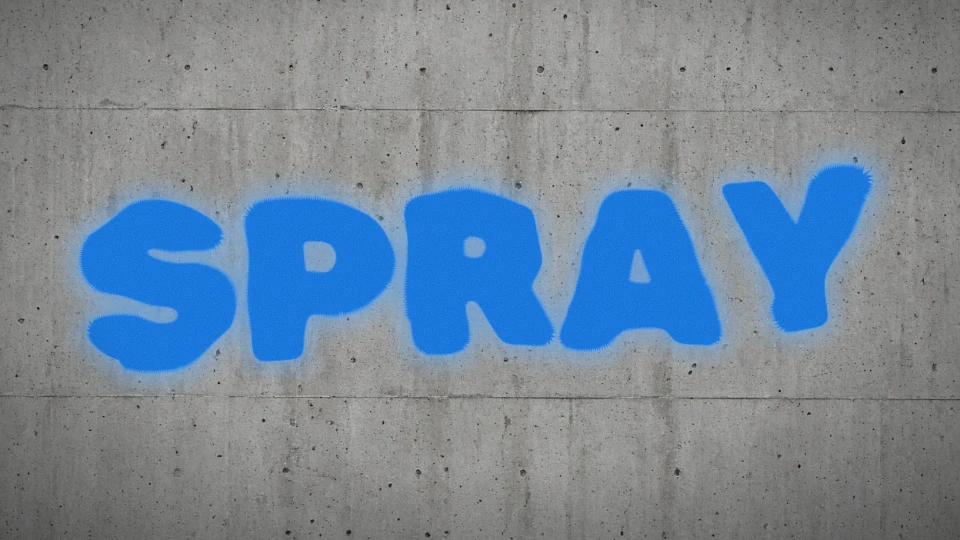
The font generator compares visual lettering; Studio composes the finished image. Its PNG includes the keyline, depth, highlights and any enabled glow. These are pixels rather than an installable font file. If a platform accepts only text, return to the copy-and-paste tool instead of expecting the image style to paste.
Try Bubble lettering
Bubble uses rounded letters in Sunset colors, a 24% outer contour and a small 24% paint burst. Glow is off. The paint marks sit behind the word rather than enclosing it in a geometric badge. For a plain sticker, turn off Paint burst in Effects; your lettering stays unchanged.
Check the intended size
A large preview can hide small gaps and blurred contours. View the downloaded PNG at the actual size of the avatar, title or sticker. Turn off glow for crisp edges, keep a margin around the keyline and preserve an editable design link for later changes.